|
35
Laser Module Doesn't Emit Laser
The Laser Module does not emit blue laser.
Possible Causes
• The Laser Module is malfunctioning.
• The toolhead cable is broken.
• The Controller is malfunctioning.
Actions
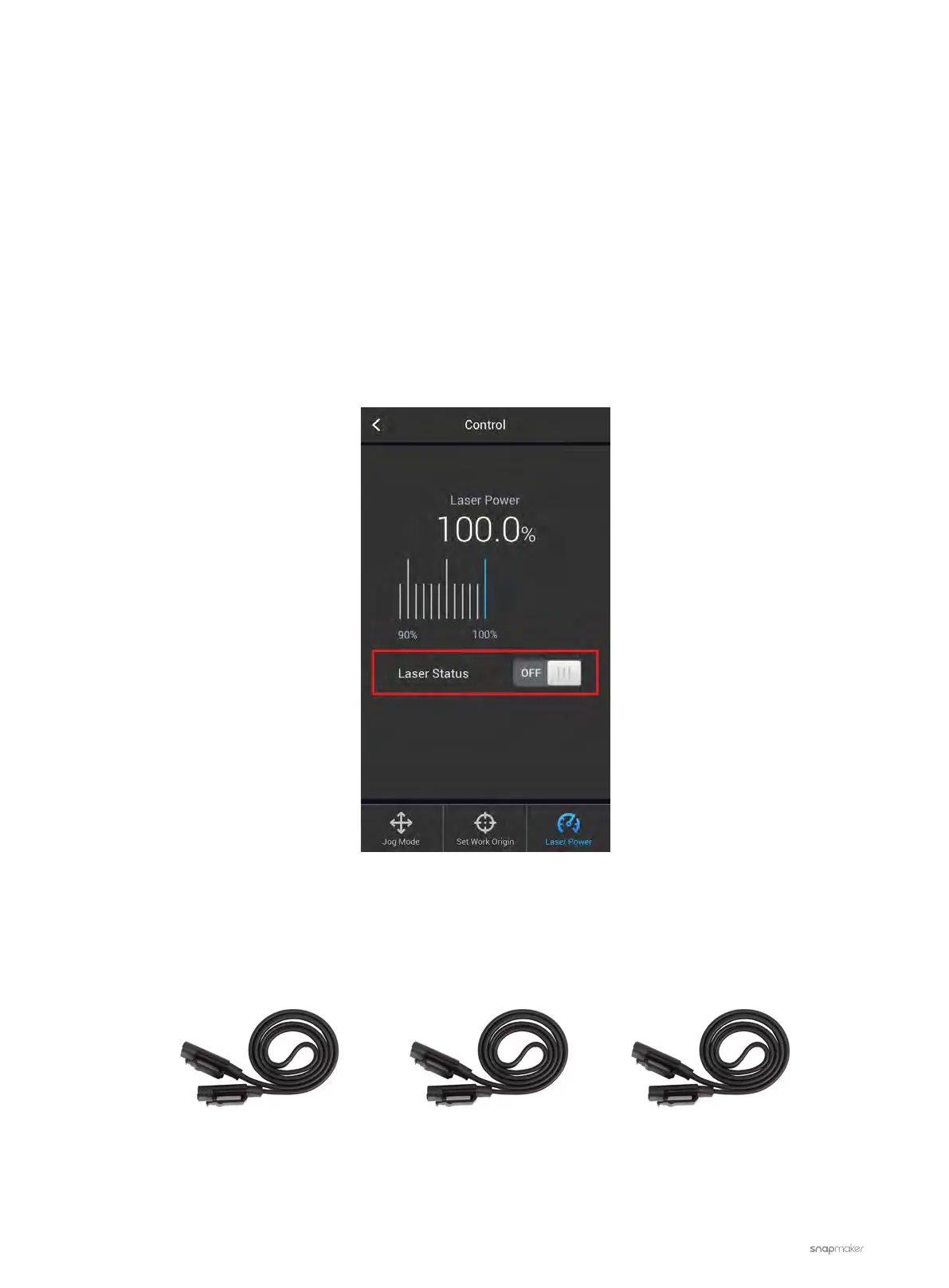
1. On the Touchscreen, go to Control > Laser Power. Toggle on Laser Status to see if the blue laser light comes
out. If not, go to step 2.
2. Identify which one is out of action: the Toolhead Cable, the Laser Module, or the Controller. Follow the steps
below to check the Toolhead Cable first.
2.1 Turn off the machine.
2.2 Swap the toolhead cable with the Y- or Z-axis Conversion cable.
2.3 Turn on the machine and check if the laser light comes out. If the problem persists, go to step 3.
Z-axis Conversion CableY-axis Conversion CableToolhead Cable



 To Next Page