|
13
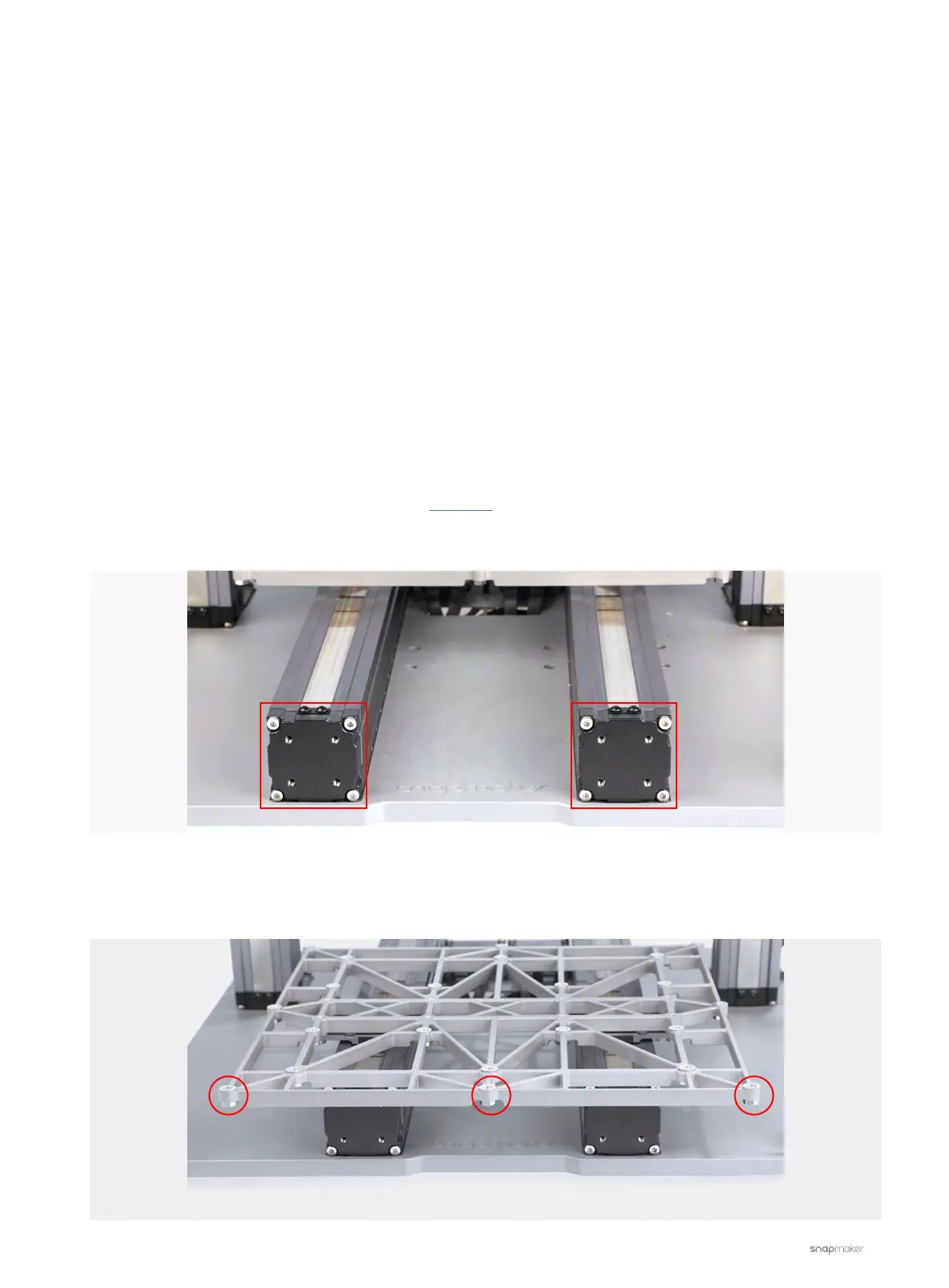
3. Check whether the screws on the Support Platform face downward as illustrated. If not, reinstall all the
screws on the Support Platform.
3D Printing
3D Printing Module Pushes into Print Sheet
The 3D Printing Module clashes against the Print Sheet during calibration or printing.
Possible Causes
• The firmware is outdated.
• The Y-axis Linear Modules are assembled inappropriately.
• The cables of the Y-axis and the Z-axis Linear Modules are plugged into the wrong port on the Controller.
• The Platform is assembled upsidedown.
• The probe sensor is malfunctioning.
• The probe sensor or the nozzle is not installed properly.
Actions
1. Download and install the latest version of the firmware.
2. Check whether the Y-axis Linear Modules are securely fitted into the grooves on the Base Plate as illustrated.



 To Next Page