46
|
Hardware
Machine Can't Read the File of USB Flash Drive
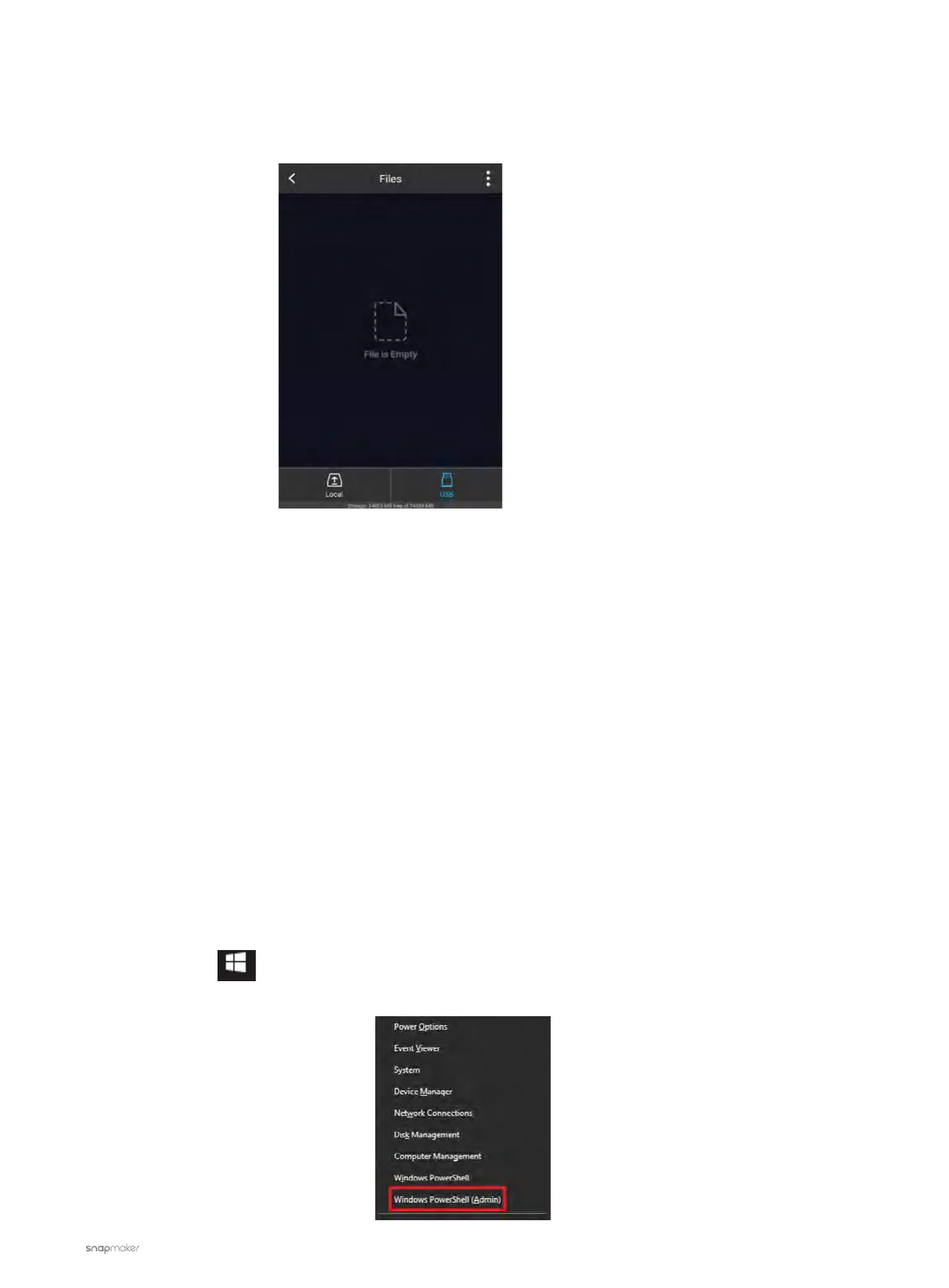
The Touchscreen shows that the file is empty when selecting the file from the USB flash drive.
Possible Causes
• There’s something wrong with the USB flash drive.
• The file system of the USB flash drive is not FAT32.
Actions
1. Check whether the USB flash drive is broken.
- Plug it into your computer and see if it can be detected.
- Try another USB flash drive.
2. The machine only supports FAT32 format, so if your USB flash drive is programmed to other formats, it won't
be detected. You can try formatting your drive as FAT32. Note that your drive will be erased during the process,
so before reformatting your USB flash drive, store its files elsewhere. Alternatively, you can use a new drive of
FAT32 format.
To reformat your USB flash drive to FAT32, do the following:
For Windows:
For a USB flash drive with a capacity smaller than 32GB:
a. Press the Win key and the X key at the same time to open the Power User menu.
b. Click Windows PowerShell (Admin).



 To Next Page