|
17
3D Printing Module Isn't Detected
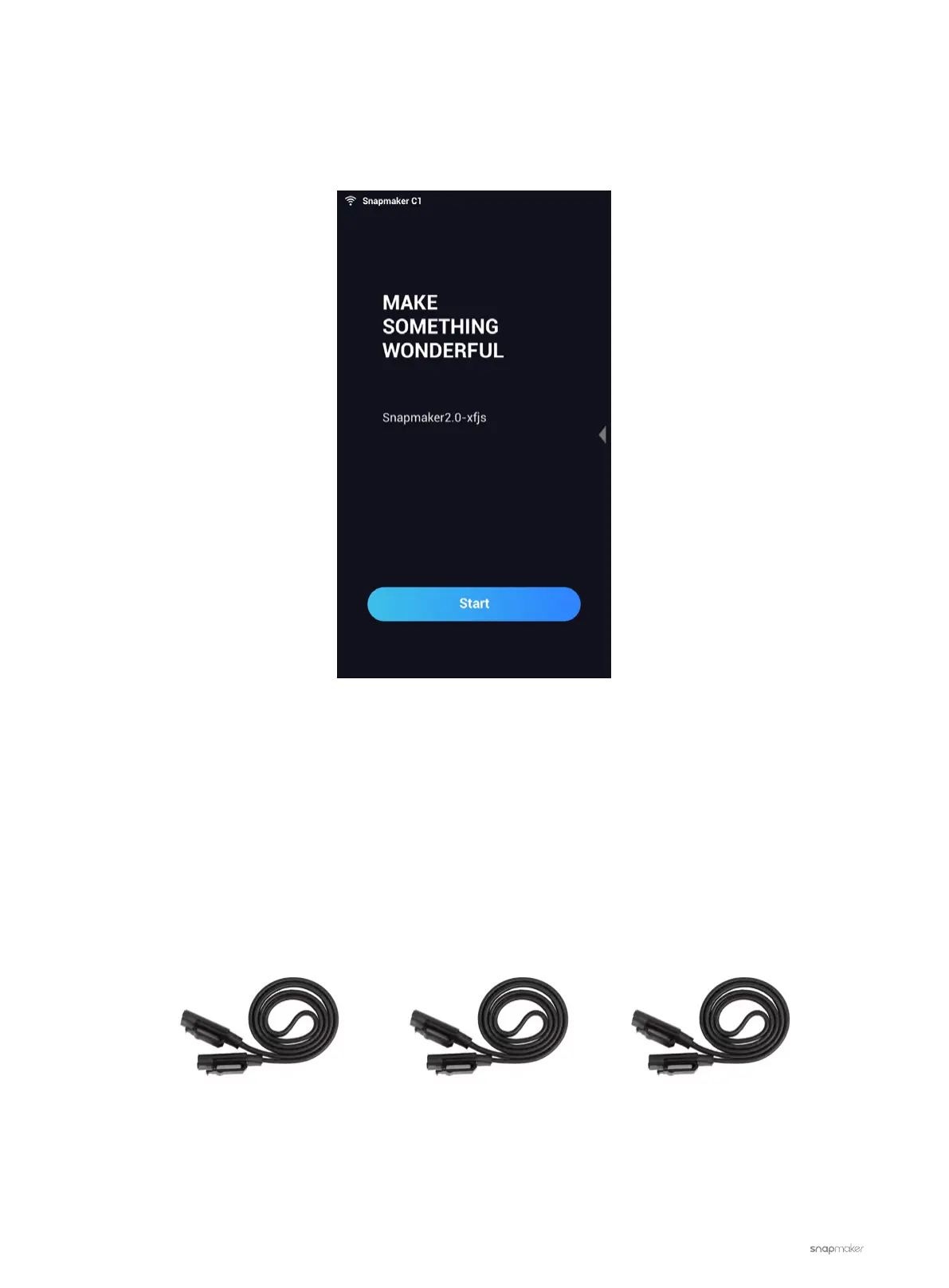
The machine can not detect the 3D Printing Module and the Touchscreen displays as shown in the picture
below.
Possible Causes
• The Toolhead Cable is broken.
• The port of the Controller is broken.
• The 3D Printing Module is malfunctioning.
• One or more of the Linear modules is affecting the CAN communication.
Actions
1. Turn off the machine. Replace the current Toolhead Cable with one of the interchangeable cables (see picture
below).
Z-axis Conversion CableY-axis Conversion CableToolhead Cable
2. Turn on the machine and see if the 3D Printing Module is detected. If yes, the Touchscreen will display as
shown in the picture below. If not, go to the next step.



 To Next Page