|
25
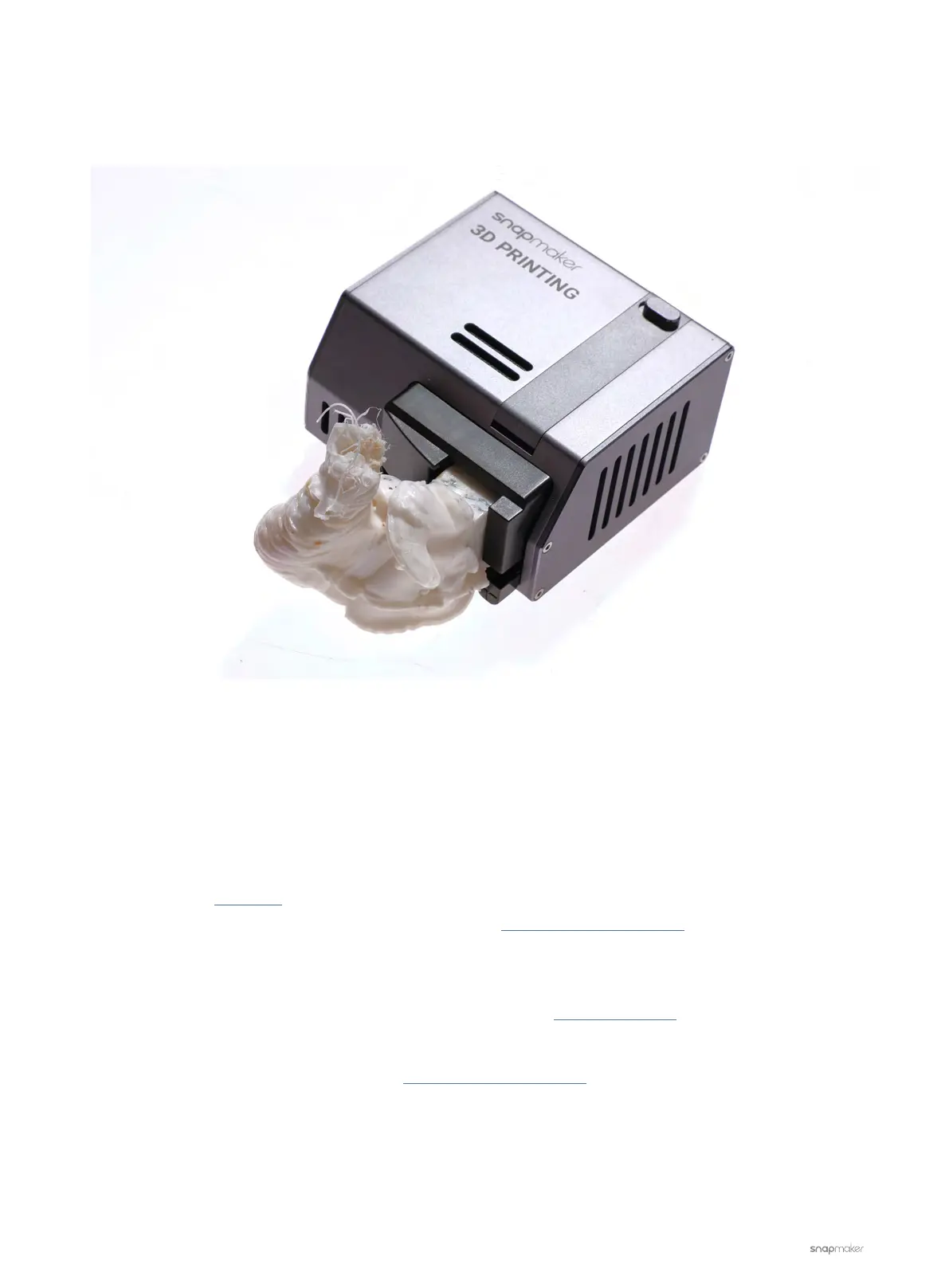
Blobs of Filament on Nozzle
A blob (see picture below) refers to a mass of filament accumulated around the nozzle.
Possible Causes
• The printing speed is too fast.
• The first layer fails to stick to the Print Sheet.
• The filament is compromised.
Actions
1. Please refer to this video to remove the blob on the nozzle and replace related parts if needed.
For replacement of the parts needed, please contact us at support@snapmaker.com
2. Try the following methods to prevent this from happening again.
- Lower the printing speed in Snapmaker Luban.
- Recalibrate. For detailed instruction on calibration, refer to the Quick Start Guide.
- Store your filament in a dry environment.
If the problem persists, please contact us at support@snapmaker.com for further assistance.



 To Next Page