40
|
Hardware
Laser Won't Turn off
The Laser Module emits blue laser once the machine is turned on and can’t be turned off.
Possible Causes
• The Toolhead Cable is broken.
• The Laser Module is malfunctioning.
• The port of the Controller is broken.
Actions
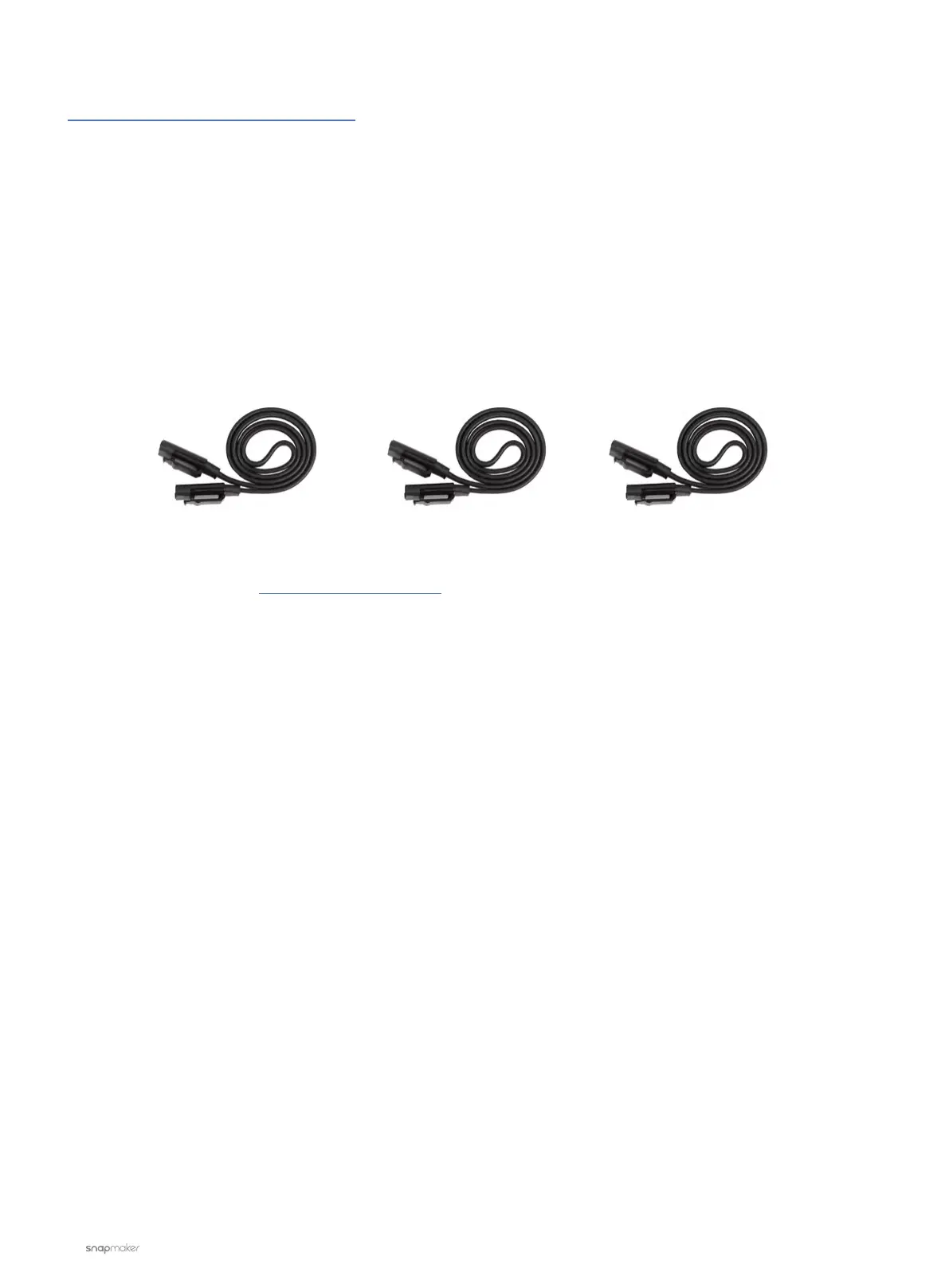
Replace the current Toolhead Cable with one of the interchangeable cables (see picture below). See if this
solves the problem.
If not, please contact us at support@snapmaker.com for further assistance.
Z-axis Conversion CableY-axis Conversion CableToolhead Cable



 To Next Page