22
|
Hardware
Filament Won't Load
When printing, the filament does not come out of the nozzle.
Possible Causes
• The nozzle is jammed.
• The filament is not inserted properly.
• The 3D Printing Module is malfunctioning.
• The port of the Controller is broken.
• The Toolhead Cable is broken.
Actions
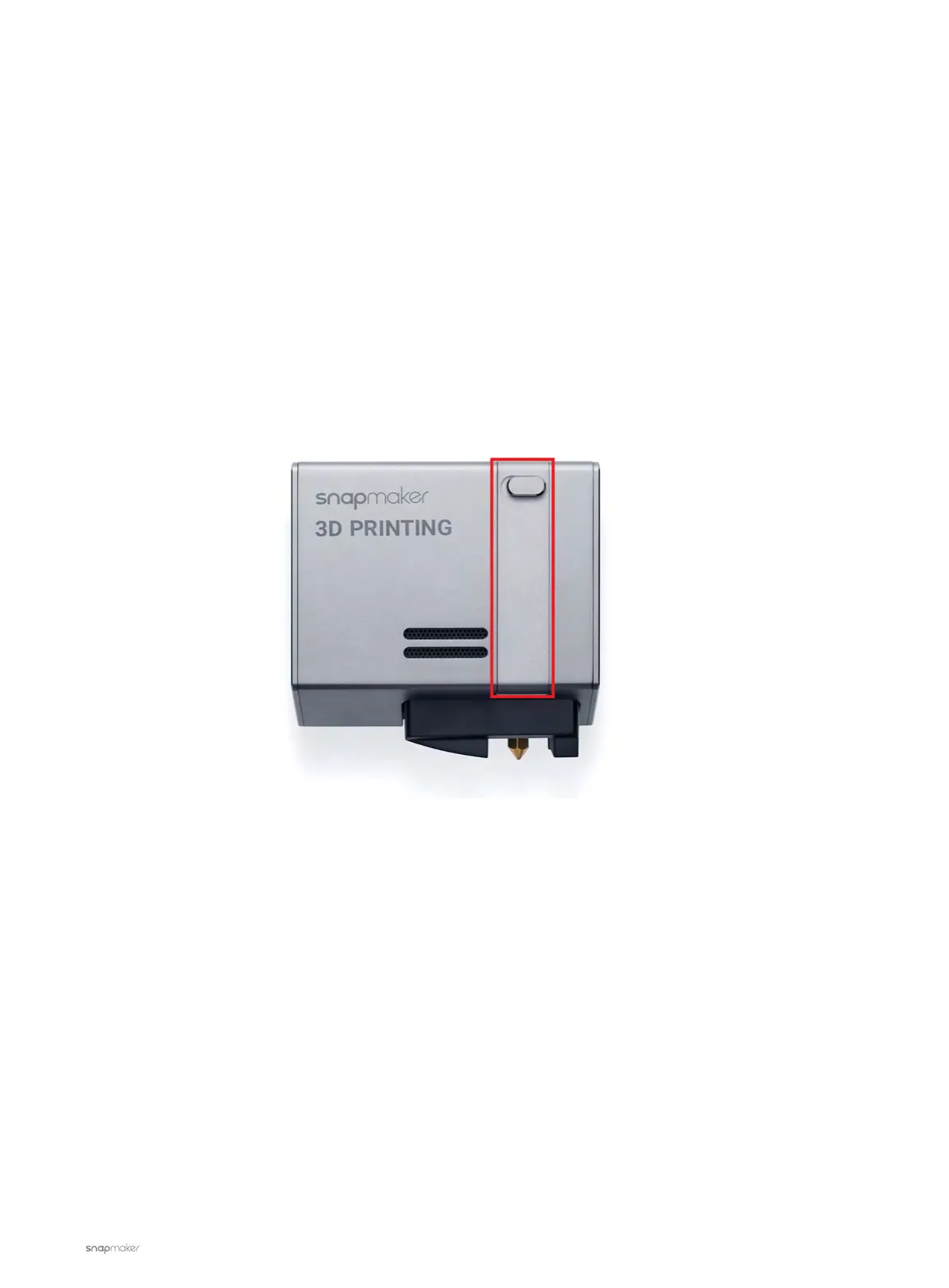
1. Turn on the machine and open the latch of the 3D Printing Module.
2. On the Touchscreen, Go to Control > Nozzle. Set the nozzle temp to 200
℃
and then wait for the nozzle to
reach the target temp. Then tap Load or Unload.



 To Next Page