|
23
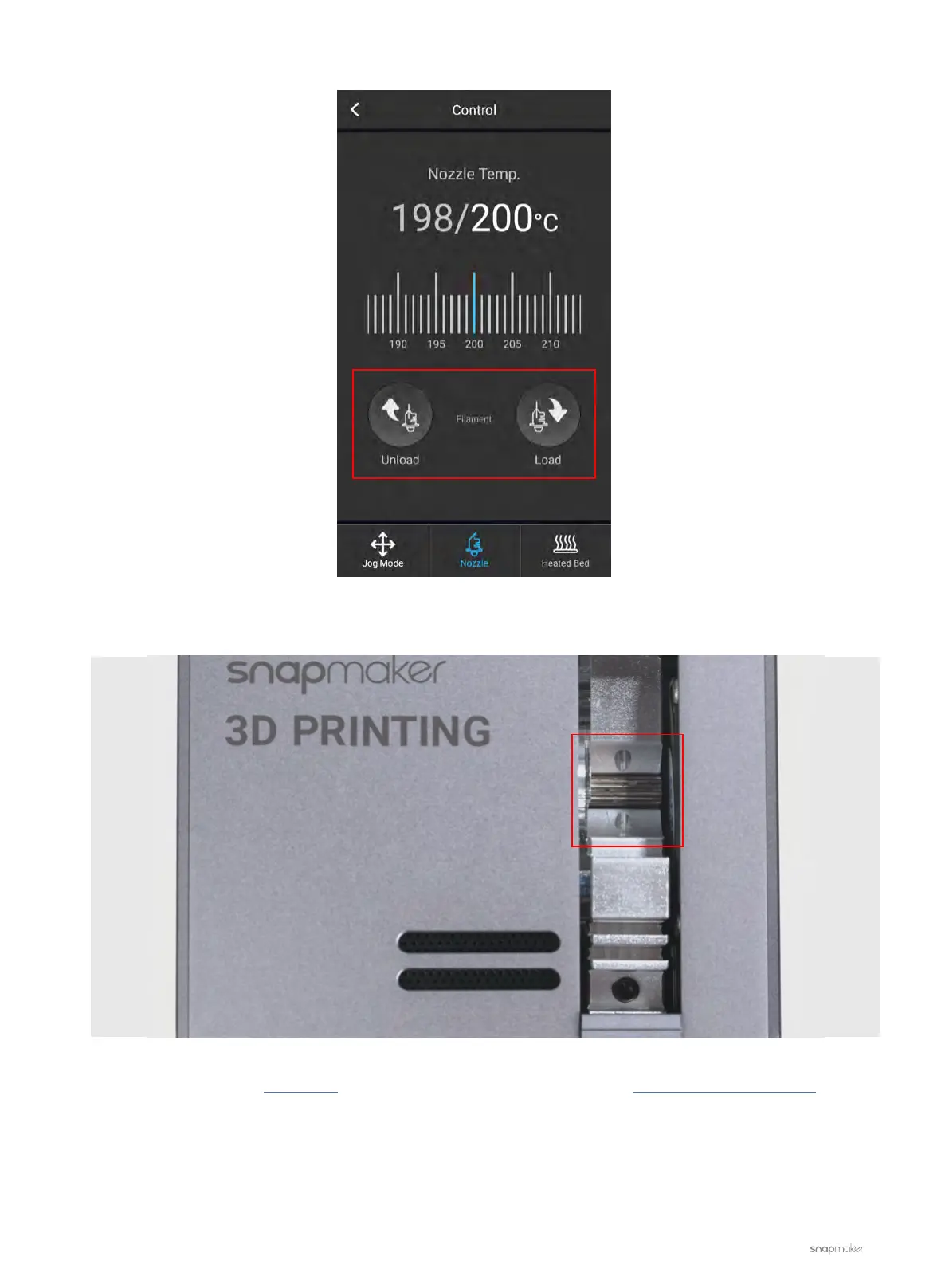
3. Check if the gear inside the 3D Printing Module rotates.
- If not, please refer to this article to test other toolheads and contact us at support@snapmaker.com with
your test results. We will help you with further troubleshooting.
- If yes, then the 3D Printing Module, the Controller, and the Toolhead Cable are intact. Make sure the filament
is inserted properly and then close the latch. Try loading the filament again. If the problem persists, go to the
next step.



 To Next Page