38
|
Hardware
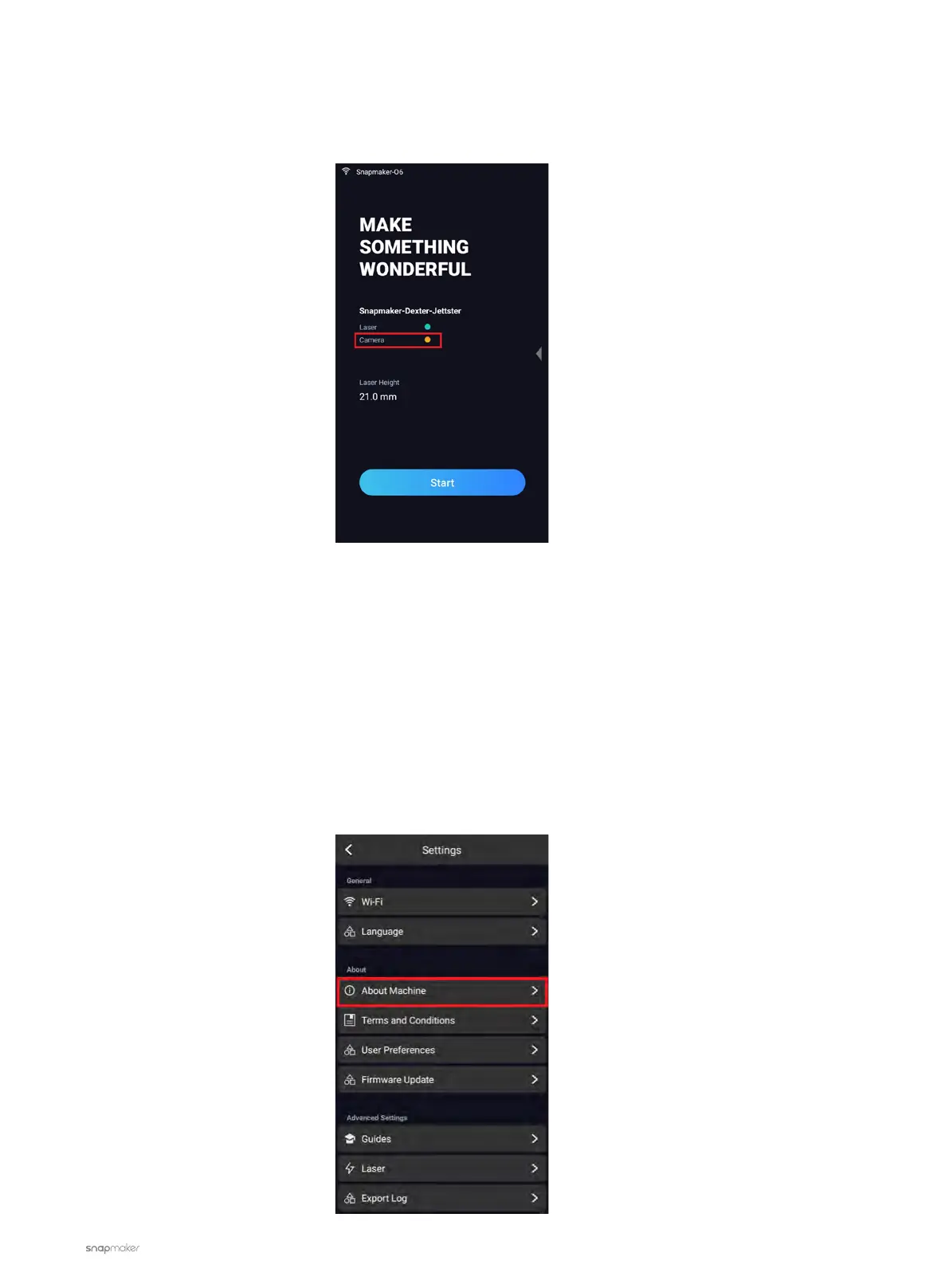
Camera Sign Is Yellow on Touchscreen
When the camera sign on the Touchscreen is yellow, it means that the camera is disconnected.
Possible Causes
• The camera of the Laser Module is malfunctioning.
• There’s something wrong with the Bluetooth of the Touchscreen.
• The Toolhead Cable is broken.
• The port of the Controller is broken.
Actions
1. Reset the Touchscreen.
1.1 Tap Settings > About Machine.



 To Next Page