|
41
Rotary Module
Working with Cuboid Materials
The Rotary Module can work with both cylinder and cuboid materials.
By default, Snapmaker Luban processes the material being used as a cylinder and generates the G-code file
accordingly. Therefore, you need to pay attention to the following aspects when carving cuboid materials with
the Rotary Module:
1. Ensure that the size of your model is smaller than the material used. Otherwise, the bit is likely to bump into
the machine during carving.
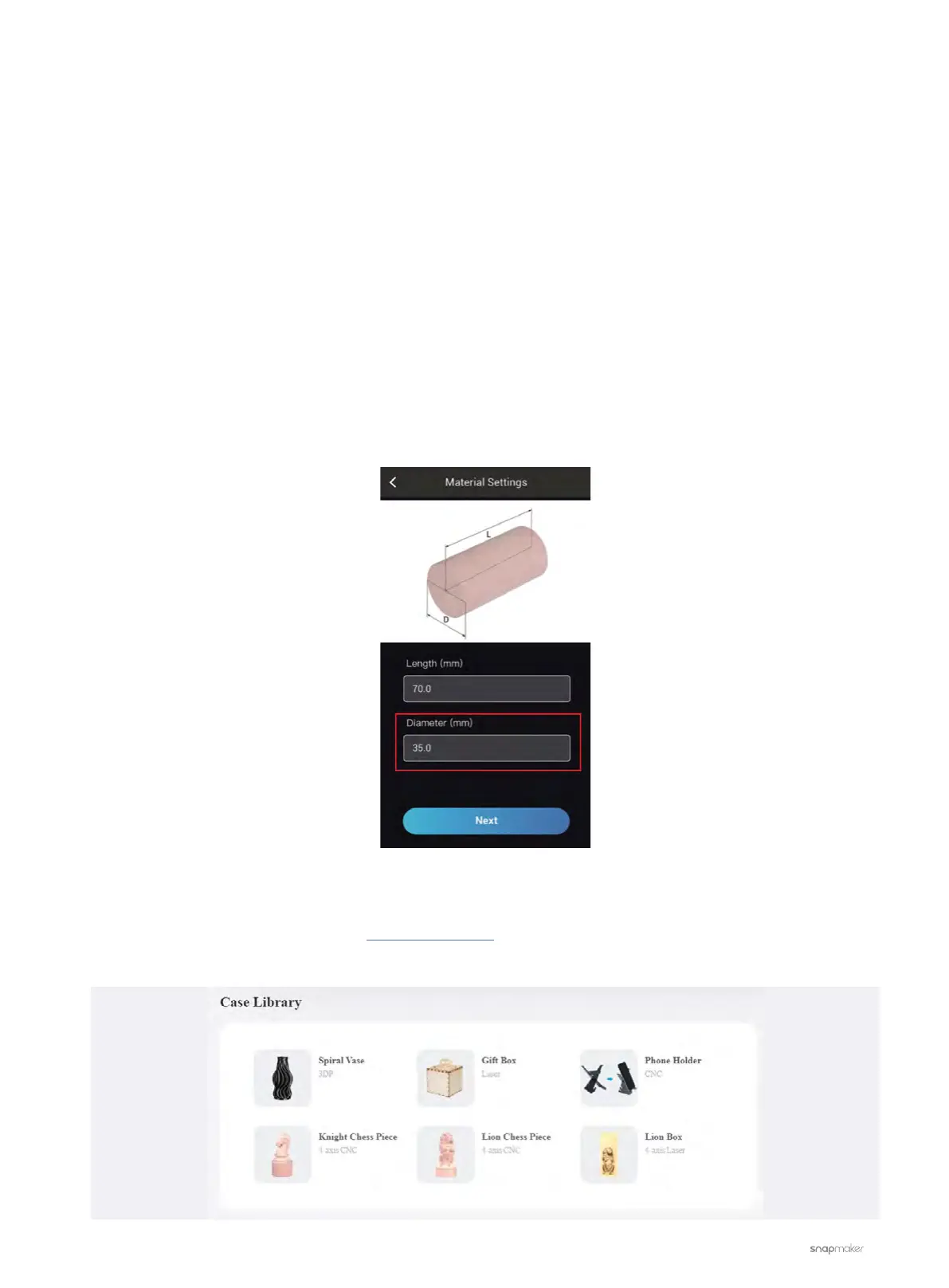
2. When setting the Diameter of your material, input the diagonal length of your cuboid material’s bottom
surface.
Built-in Sample Models
We offer free built-in sample models in Snapmaker Luban. You can find them in the Case Library pane of the
Home screen.



 To Next Page