|
51
Possible Causes
• You haven't installed the CH340 driver.
• You have selected the wrong COM port.
Actions
1. Download and install the CH340 driver.
2. Turn on the machine.
3. Connect the machine with your computer via the USB cable.
4. To find out the correct COM port to connect, do the following:
4.1 Press the Win
key and the R key at the same time to open the Run command window.
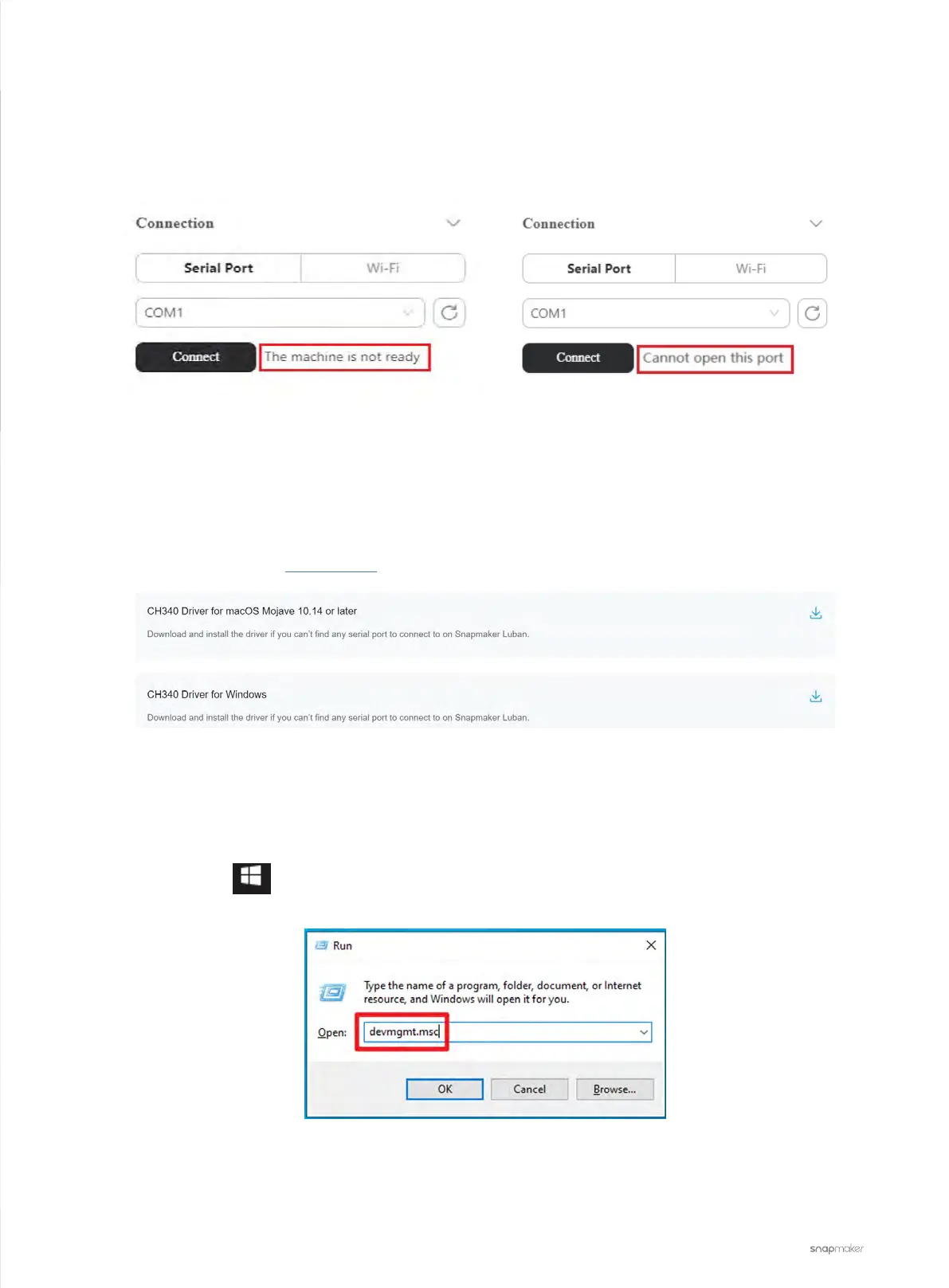
4.2 Input devmgmt.msc in the search box and click OK to open the Device Manager.
4.3 Expand Ports (COM & LPT), and the correct COM port to connect is the one that contains CH340.
Luban Shows "The machine is not ready"
When trying to connect the machine to the Snapmaker Luban, it shows “The machine is not ready” or “Cannot
open this port”.



 To Next Page