|
43
Enclosure
Enclosure Isn't Detected or Recognized
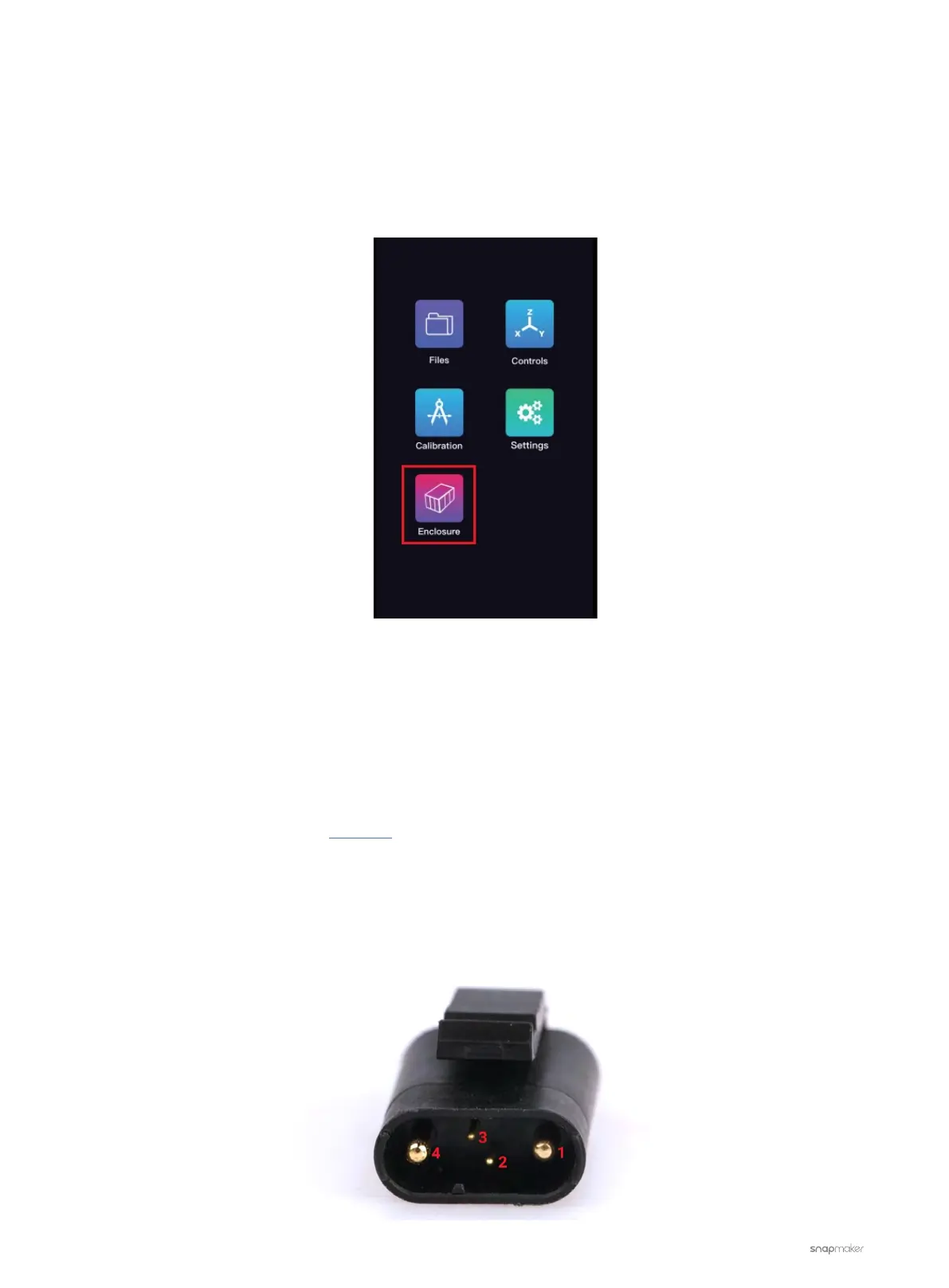
There is no Enclosure icon on the Touchscreen when the Enclosure is plugged in.
Possible Causes
• The Toolhead Cable is broken.
• The Laser Module is malfunctioning.
• The port of the Controller is broken.
Actions
1. Download and install the latest firmware.
2. If the problem persists, use a multimeter to measure the output of the Controller.
2.1 Unplug the Expansion Cable from the Enclosure and leave the other end plugged into the Enclosure Port of
the Controller.
2.2 Turn on the machine. Measure the voltage of the pins shown below with a multimeter.



 To Next Page