04
|
Hardware
Linear Module
Clunk Sound While the Y-axis Linear Modules are Moving
The Y-axis Linear Modules make a clunk sound when moving back and forth.
Possible Cause
• The travel distances of the two Y-axis Linear Modules are not matched.
Actions
You can follow the steps below or refer to this video.
1.Turn off the machine.
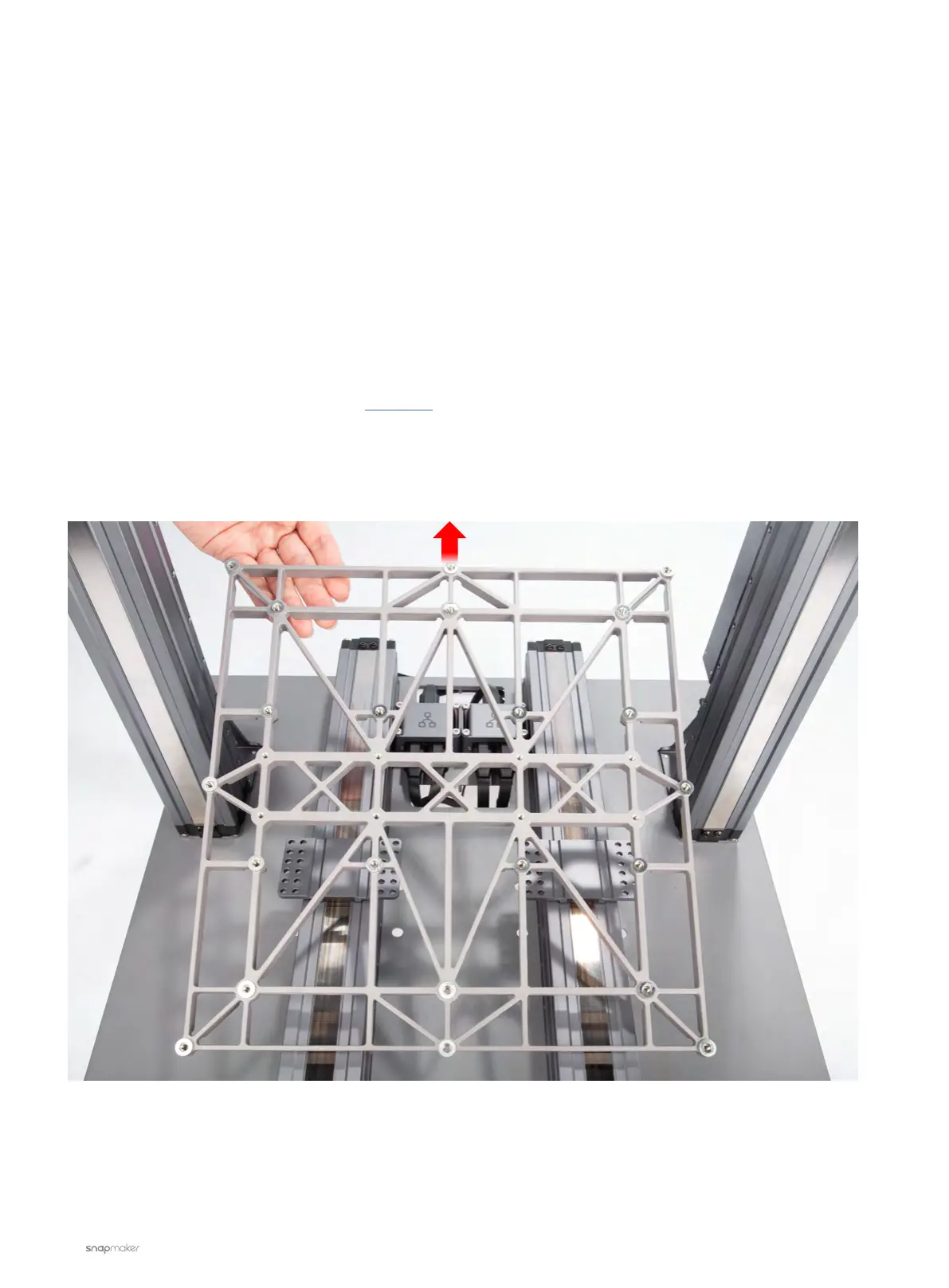
2. Disassemble the Heated Bed and Support Platform from the two Y-axis Linear Modules.
3. Move the sliders to the front end of the Y-axis Linear Modules by hand.
4. Place a piece of the Laser Engraving and Cutting Platform next to the two sliders.
5. Make sure there is no gap between the sliders and the Laser Platform.



 To Next Page