|
05
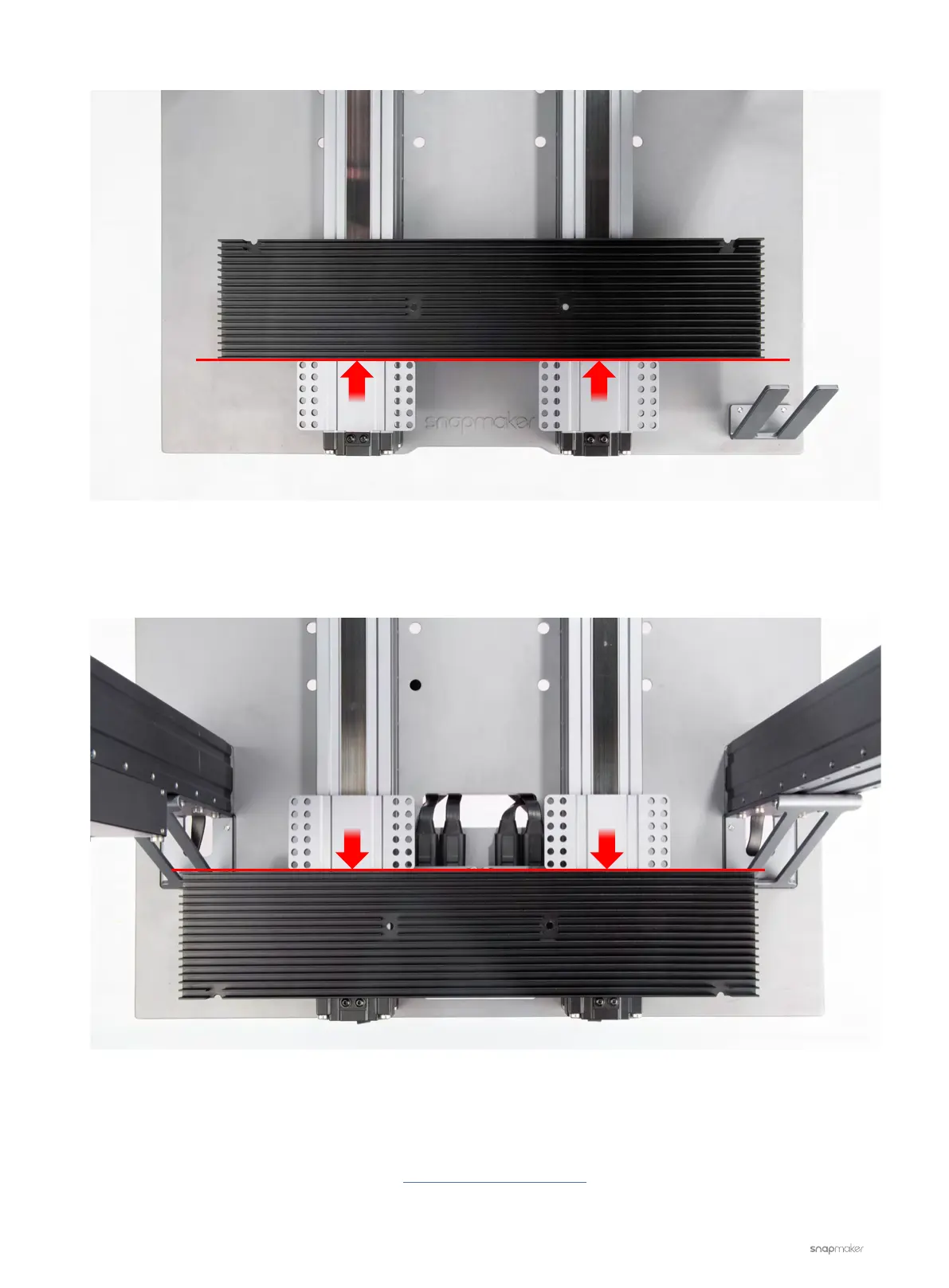
6. Turn on the machine. On the Touchscreen, control the Y-axis Linear Modules to the other end.
7. Check if there is a gap between the sliders and the Laser Platform.
8. Swap one of the Y-axis Linear Modules with the X-axis one. Then run the same test.
9. Choose those two that have the closest travel distance as the Y-axis Linear Modules.
If the problem persists, please contact us at support@snapmaker.com for further assistance.
Make sure the two sliders are flush
Make sure the two sliders are flush



 To Next Page