|
49
None of the Toolheads Can Be Detected
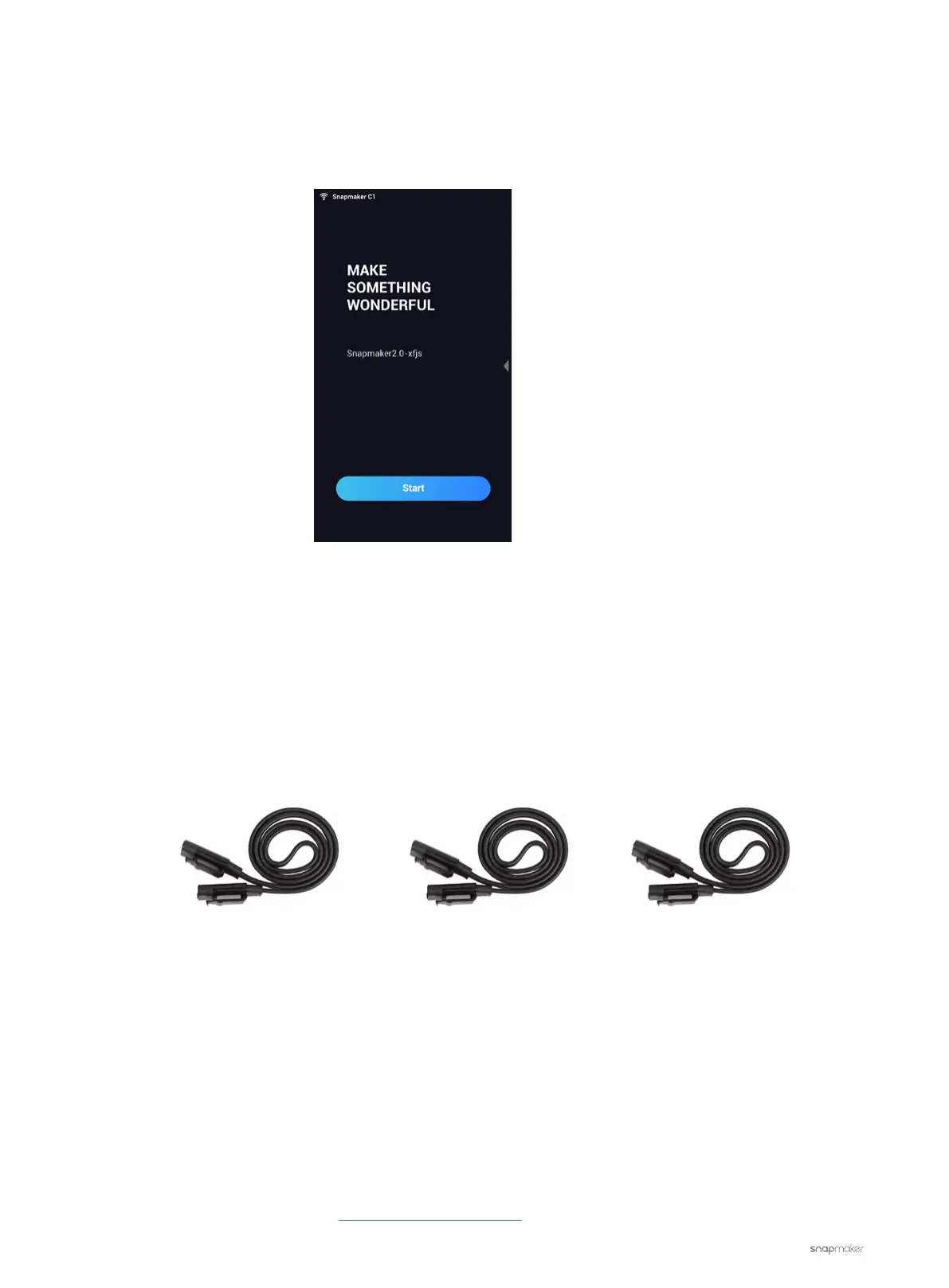
No matter which toolhead is connected to the machine, the Touchscreen displays as in the picture below. The
machine is not recognizing any of them.
Possible Causes
• The Toolhead Cable is broken.
• The Controller is malfunctioning.
• One or more malfunctioning modules are affecting the Controller Network Area (CAN) communication.
Actions
1. Replace the current Toolhead cable with one of the interchangeable cables (see picture below). See if this
solves the problem. If not, go to step 2.
2. Turn off the machine and unplug all the cables (except for the ones for the Power Module and Touchscreen)
from the Controller.
3. Connect one of the three toolheads to the machine and turn on the machine. See if the machine can detect
the toolhead connected and works properly.
- If not, turn off the machine and plug in another toolhead. Repeat step 3 until you have tested all of the three
toolheads. If the machine still cannot detect any of the toolheads, then the Controller is out of action and
needs to be replaced.
- If yes, then the problem might be with the Linear Modules.
In either case, please contact us at support@snapmaker.com with your test results for further assistance.
Z-axis Conversion CableY-axis Conversion CableToolhead Cable



 To Next Page