52
|
Software
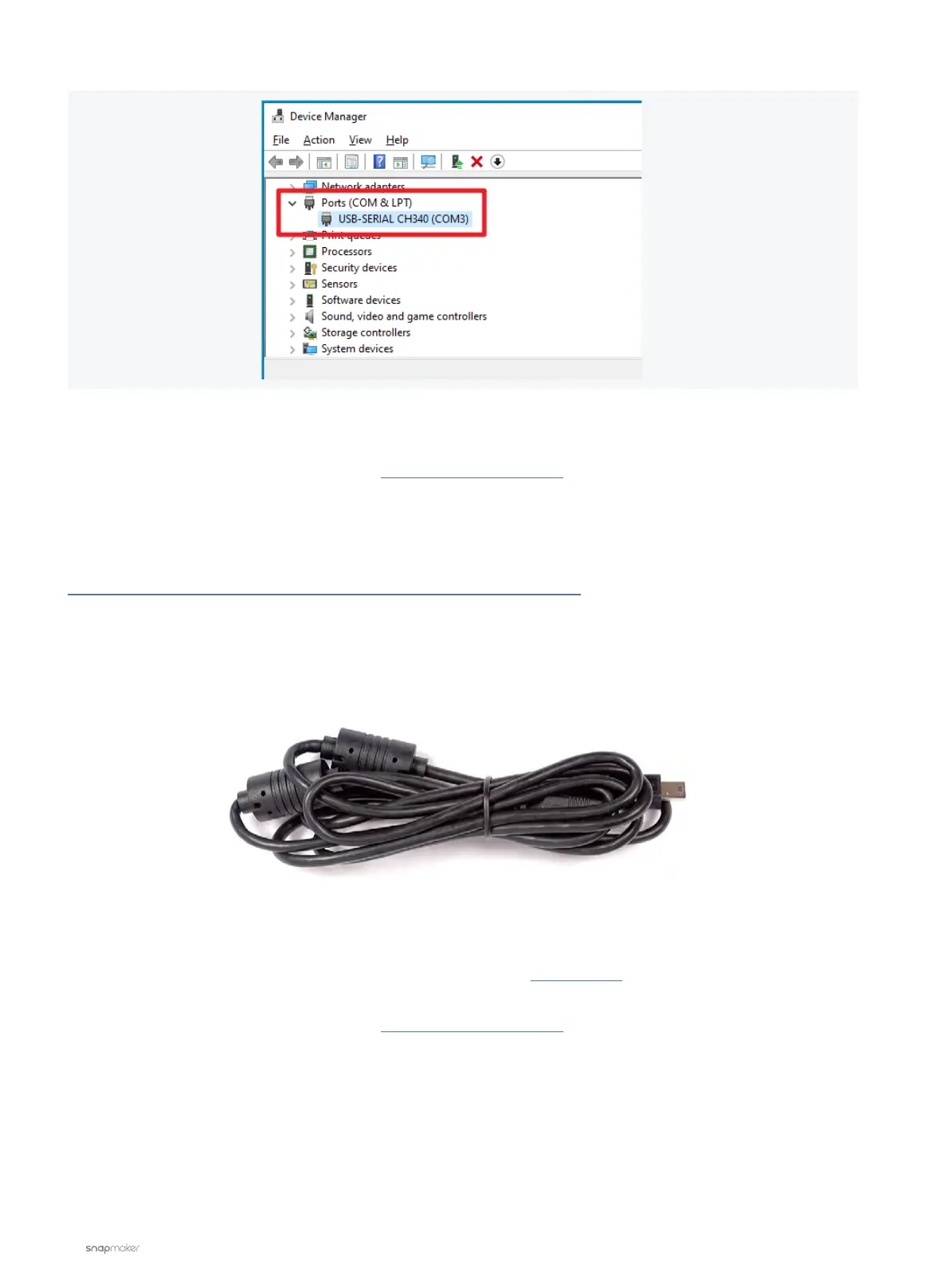
5. Select the correct port in Luban and try again.
If the problem persists, please contact us at support@snapmaker.com for further assistance.
No Camera Capture Button in Luban
Possible Cause
• You are using the USB cable to connect the machine to Snapmaker Luban (Camera Capture can only be
accessed via Wi-Fi connection).
Action
Connect the machine with Luban via Wi-Fi instead, and you will be able to use Camera Capture.
For how to use the Camera Capture function, you can refer to this tutorial video.
If the problem persists, please contact us at support@snapmaker.com for help.



 To Next Page