34
|
Hardware
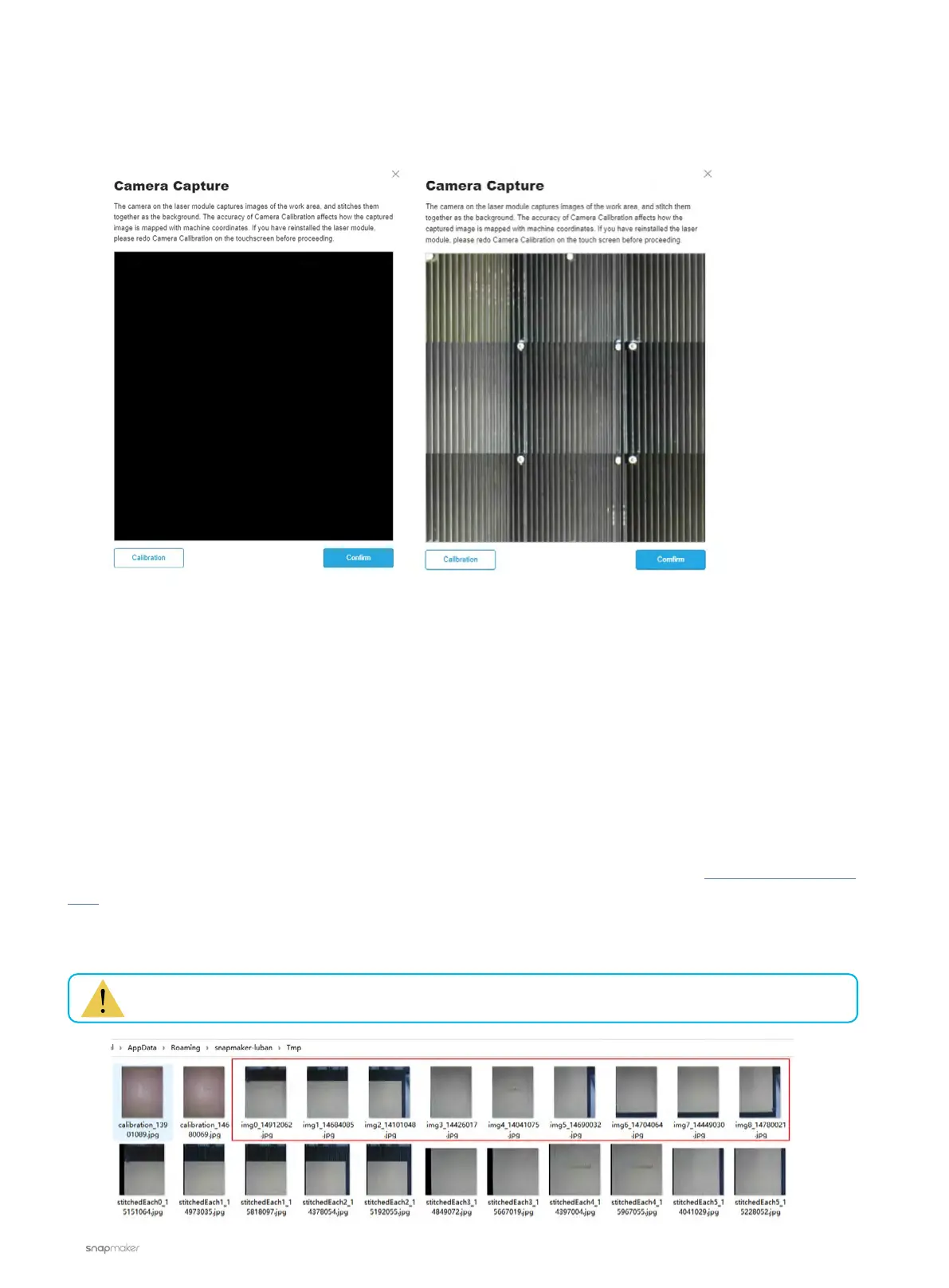
Camera Capture Doesn't Work
If the image isn't fully processed, it indicates that camera capture isn't working properly.
Possible Causes
• You’re running an old version of Snapmaker Luban.
• Camera calibration hasn’t been implemented properly.
• There’s something wrong with the camera of the Laser Module.
Actions
1. Download the latest version of Snapmaker Luban.
2. Refer to this tutorial video or the User Manual to calibrate the camera.
3. If the problem persists, please copy the images in the directory below and send them to support@snapmaker.
com for further assistance.
- Windows OS: C:\Users\admin\AppData\Roaming\snapmaker-luban\Tmp
- macOS: /Users/admin/Library/Application\ Support/snapmaker-luban/Tmp
“admin” is your username.



 To Next Page