|
47
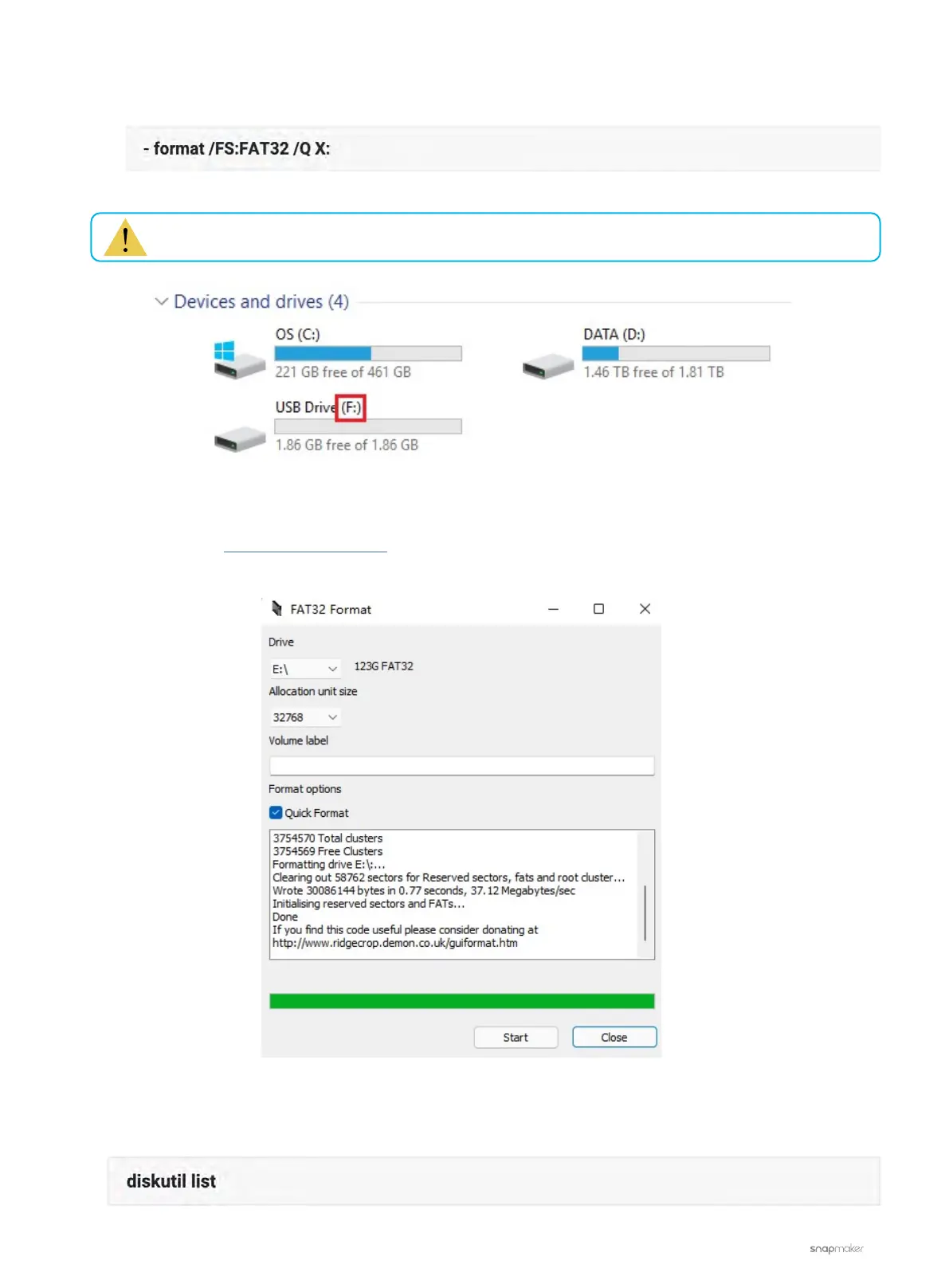
c. On the Windows PowerShell panel, type in the command below and then hit the Enter key.
For a USB flash drive with a capacity bigger than 32GB:
a. Download the FAT32 Format program.
b. Run the program and format the USB flash drive to FAT32.
For macOS:
a. Open Terminal, input the command below, and then hit the Enter key.
Replace the 'X' at the end of the command with the drive letter of your USB flash drive.



 To Next Page