36
|
Hardware
3. Follow the steps below to check the Laser Module.
3.1 Turn off the machine. Disassemble the Laser Module and assemble the 3D Printing Module.
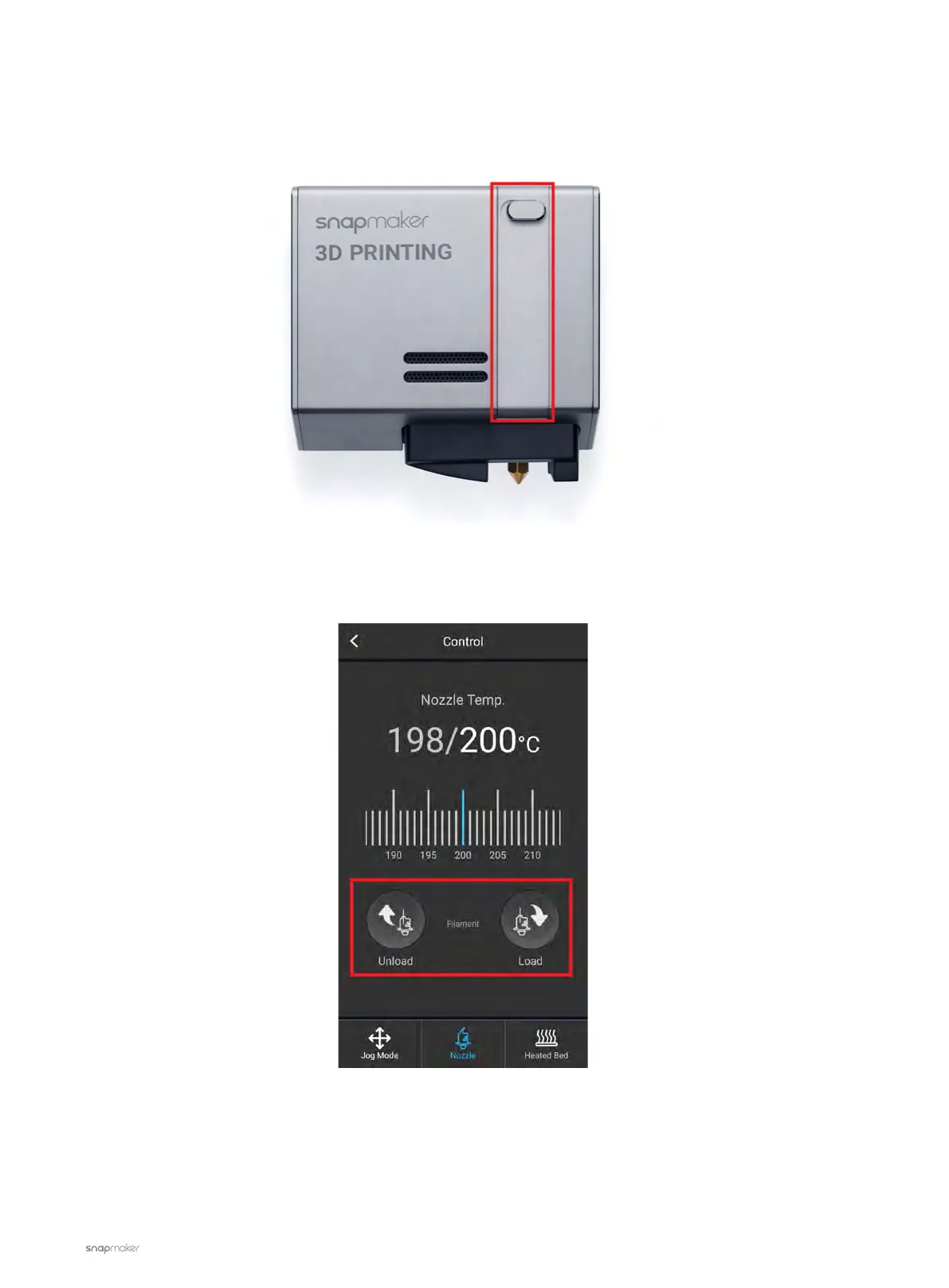
3.2 Turn on the machine and open the latch of the 3D Printing Module.
3.3 On the Touchscreen, go to Control > Nozzle and set the target temp to 200
℃
.
3.4 Wait for the nozzle to reach the target temp, tap Load or Unload.



 To Next Page