|
29
3. Redo Auto Focus manually.
3.1 Tap Failed on the Touchscreen.
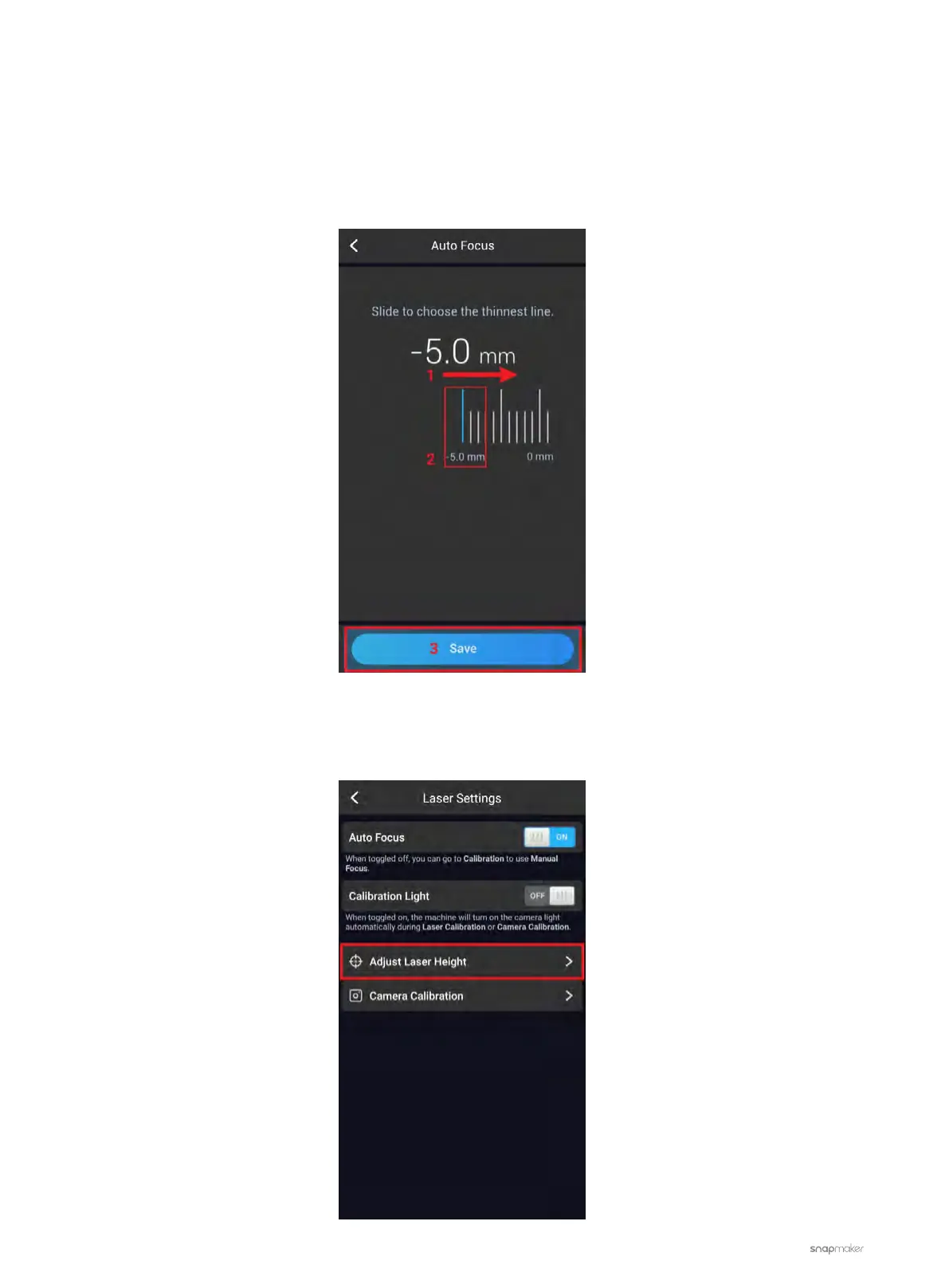
3.2 Swipe the scale to your right and select the -5.0 mm line, and tap Save. The screen is expected to go back
to the APP List Screen.
3.3 Tap Calibration to redo Auto Focus. If the problem persists, repeat the steps until Auto Focus succeeds.
4. Another available option is to change the Laser Height manually and then try Auto Focus again.
4.1 On the Touchscreen, go to Settings > Laser > Adjust Laser Height.



 To Next Page