User Manual |
100
Laser Engraving and Cutting - 03 How to Laser Engrave and Cut
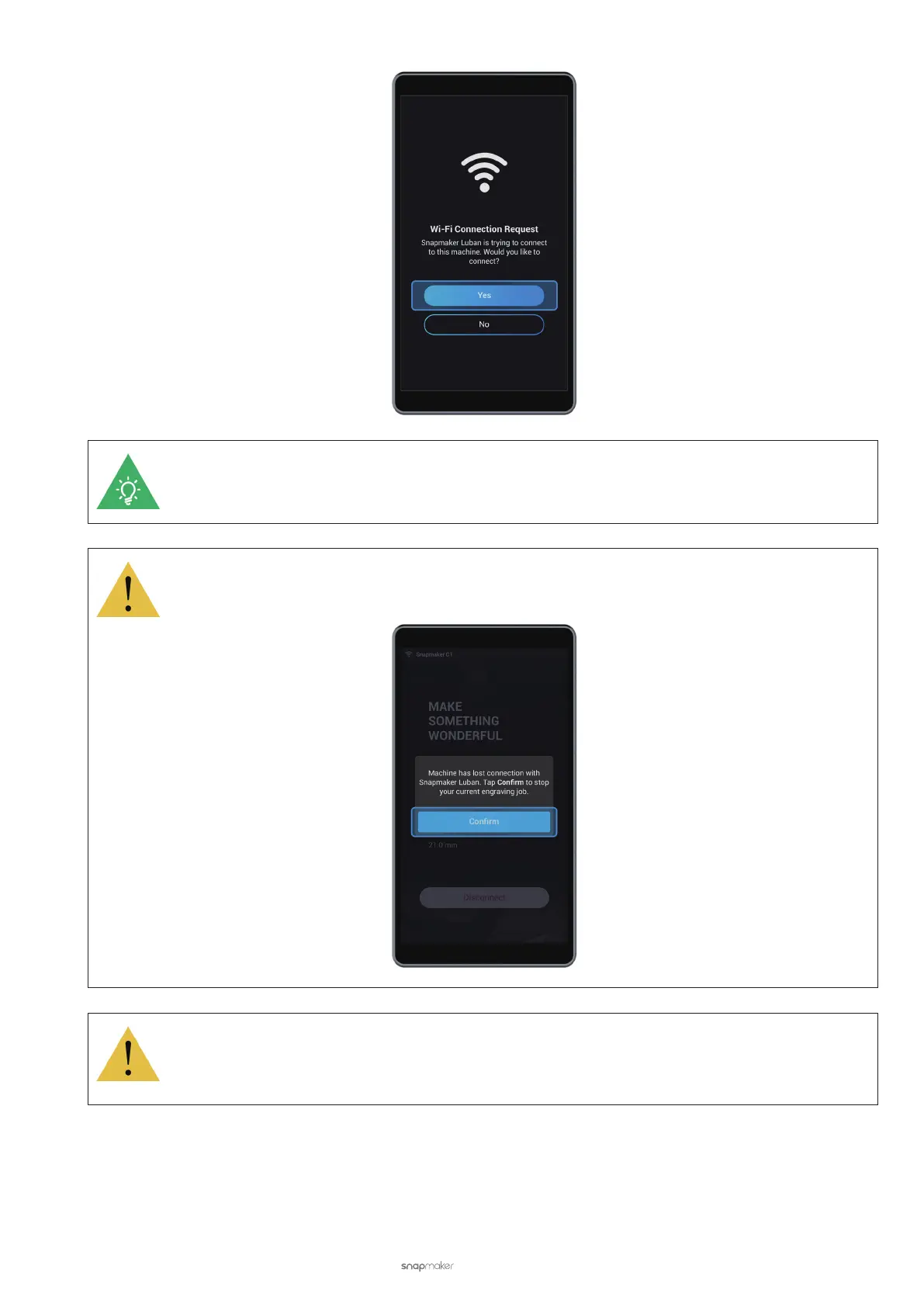
After the machine is connected to Luban via Wi-Fi, you cannot operate it on the Touchscreen. You
can nd actions such as Set Work Origin and Laser Speed adjustment in Luban.
If the machine is disconnected from Luban, ongoing engraving and cutting jobs will not stop on the
machine. You must tap Conrm on the Touchscreen to stop machine operations.
If the machine becomes disconnected with Luban when the Laser Power is turned on, the laser will
not automatically turn off. You must go to Control > Laser Power > Laser Status to manually turn it
off.



 To Next Page