User Manual |
104
Laser Engraving and Cutting - 03 How to Laser Engrave and Cut
Vector
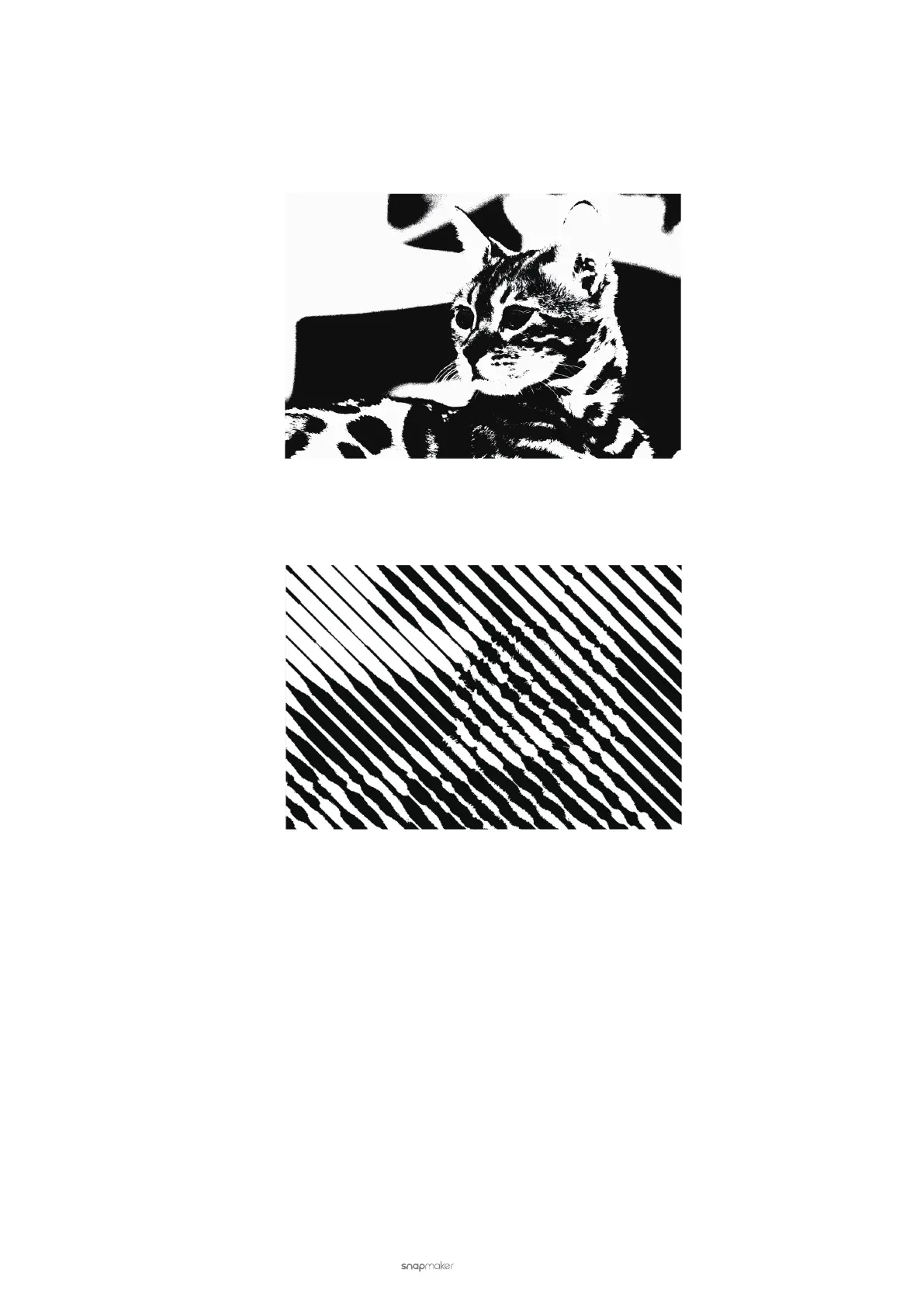
It can be used for engraving vector images. The engraved results will be in black and white without any grey.
The Vector mode can also be used for laser cutting. For laser cutting, you can adjust Work Speed, Multi-pass and
Power based on the materials you use.
Halftone
It creates a gradient-like effect on your material.
3.8 Transfer the G-code File
If you want to operate laser engraving and cutting on the Touchscreen, you must transfer the G-code le to the
machine. This section describes how to transfer the G-code le to the machine for laser engraving and cutting.
Transfer via Wi-Fi
(1) Connect the machine to Luban (see 3.5 Connect the Machine to Luban).



 To Next Page