User Manual |
7
Safety Guidelines - Labels on Your Snapmaker
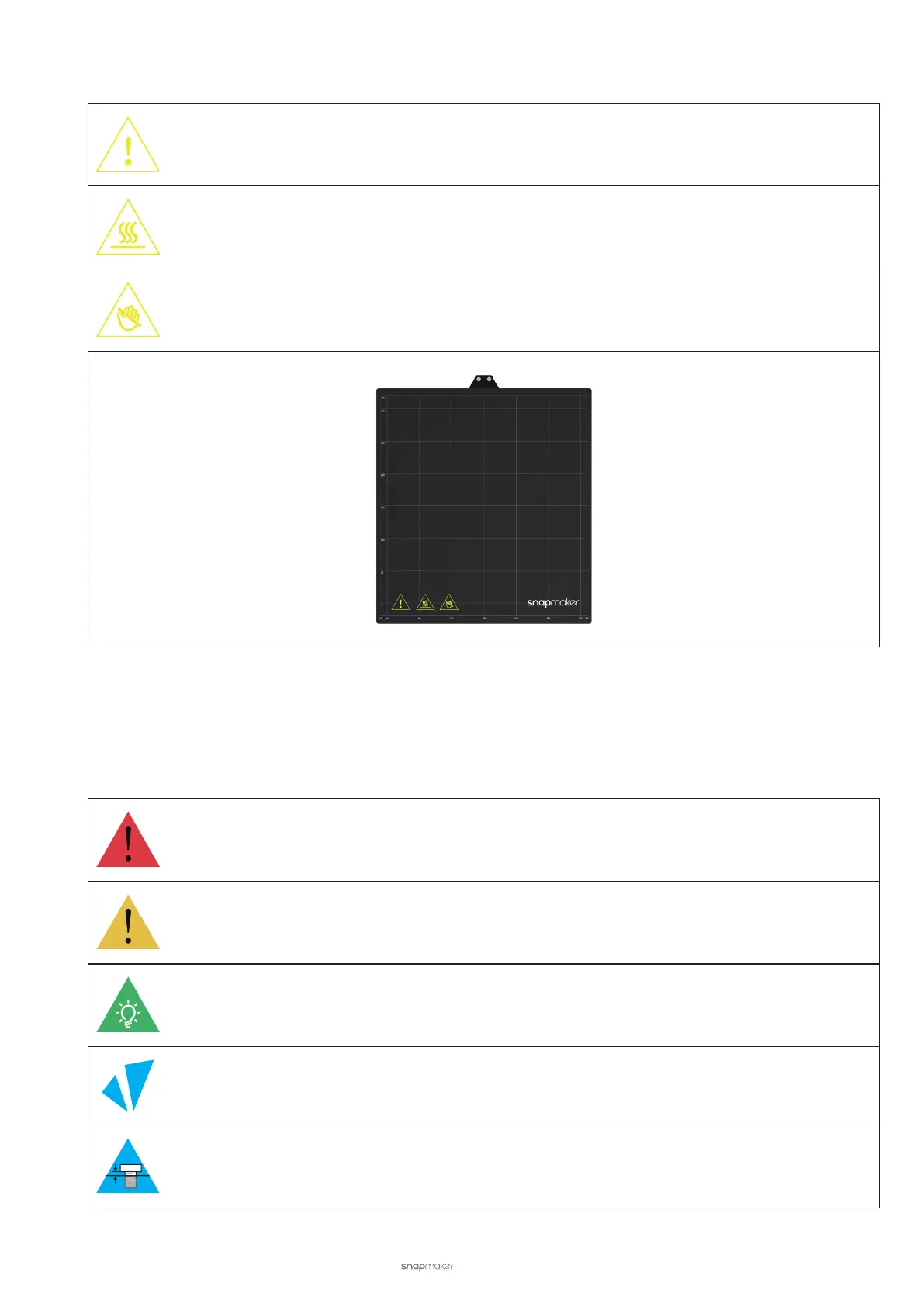
On the Print Sheet
Warns you of danger. Pay attention to any operations on the Print Sheet.
Warns you of the hot surface. Avoid direct contact with the Print Sheet during printing or immediately
after printing. Wait several minutes before contact or use auxiliary tools like heat-insulated gloves.
Do not touch the Print Sheet with bare hands during printing or immediately after printing.
Safety Symbols
Safety symbols in Quick Start Guides and User Manuals instruct you to avoid damage or hazards during assembly
and use.
Warning Failure to follow this instruction might result in severe personal injury.
Caution
Failure to follow this instruction might result in malfunction, damage to the machine or
workpiece, or slight personal injury.
Tip Tells you practical advice.
Direction Ensure that the highlighted part is facing the right way.
Do not tighten the screws yet.
Safety Guidelines - Safety Symbols



 To Next Page