User Manual |
96
Laser Engraving and Cutting - 03 How to Laser Engrave and Cut
3.4 Prepare the Material
Choose the Material
Choosing an appropriate material is key to your personal safety and can render a better laser engraving and cutting
effect. Pay attention to the following points so as to choose the proper material to engrave or cut:
• Choose a material that is listed in the Material Library. Materials listed in Material Library are tested by Snapmaker,
and are safe for your use. If you want to use materials that are not included, ensure that you are familiar with the
material properties and that the material can be used for engraving and cutting. If you want to engrave or cut a
material whose properties you are unsure of, you can contact us at support@snapmaker.com.
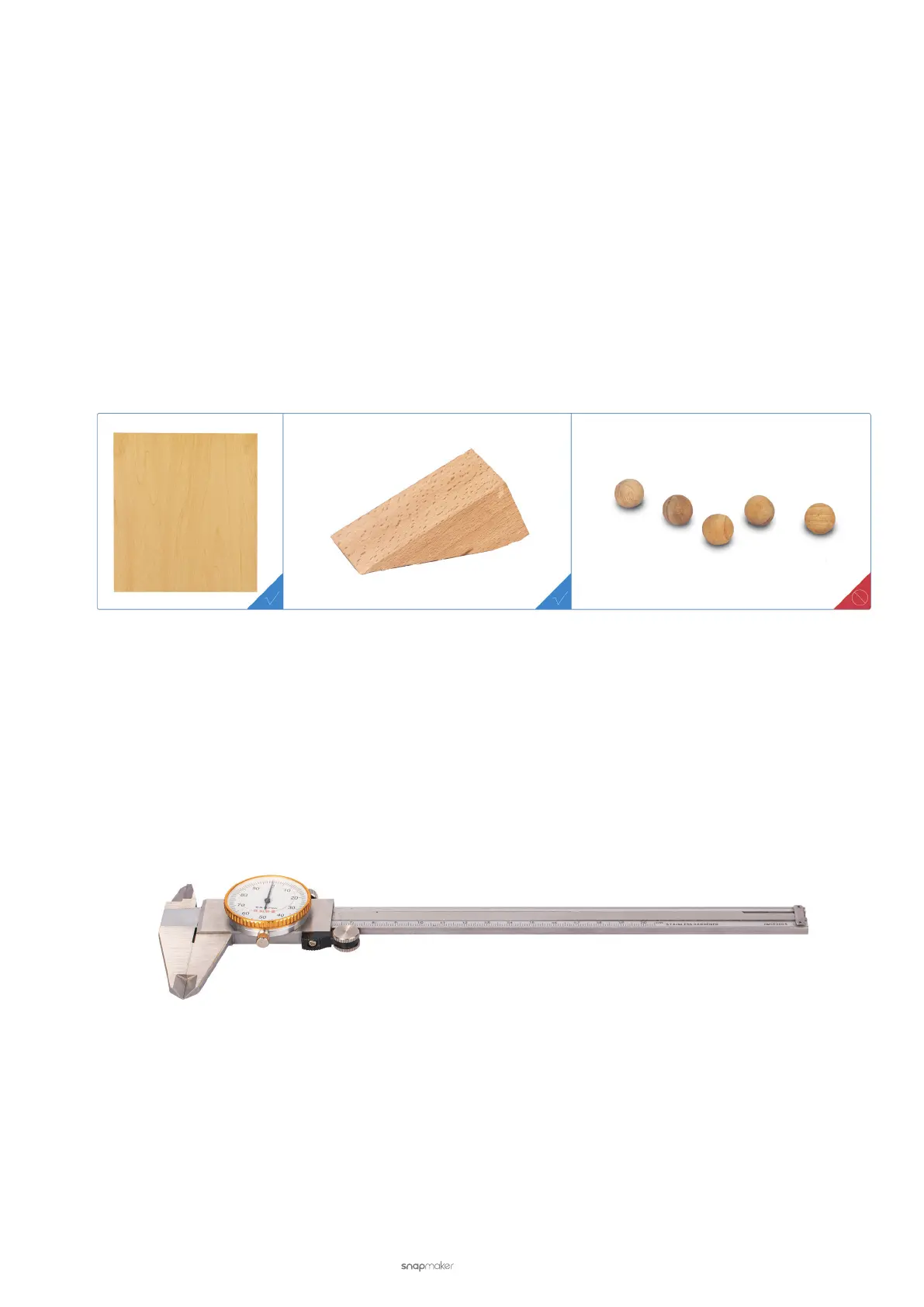
• Choose a material that has a proper size. Ensure that the material you choose does not exceed the size of the
Laser Engraving and Cutting Platform.
• Choose a material that has an even engraving and cutting area. If the engraving and cutting area is not flat, the
laser beam will be out of focus.
Measure the Thickness of the Material
If you use the Auto Mode for engraving and cutting (see 3.9 Start Engraving and Cutting), you must know the
thickness of material to be engraved or cut. With an accurate thickness, the laser can best focus on the material
surface and produce the best engraving and cutting result.
The thickness of the provided laser material is 1.5 mm. If you use other materials for engraving and cutting, we
recommend that you use a vernier caliper to measure their thickness.
Fasten the Material
You must fasten the material before engraving and cutting for the following two purposes:
• To prevent position changing.
The laser engraving and cutting machine works on designated paths. If the position of the material changes, the
engraving and cutting effect will be compromised.



 To Next Page