User Manual |
42
3D Printing - 03 How to 3D Print
3.6 Remove Prints
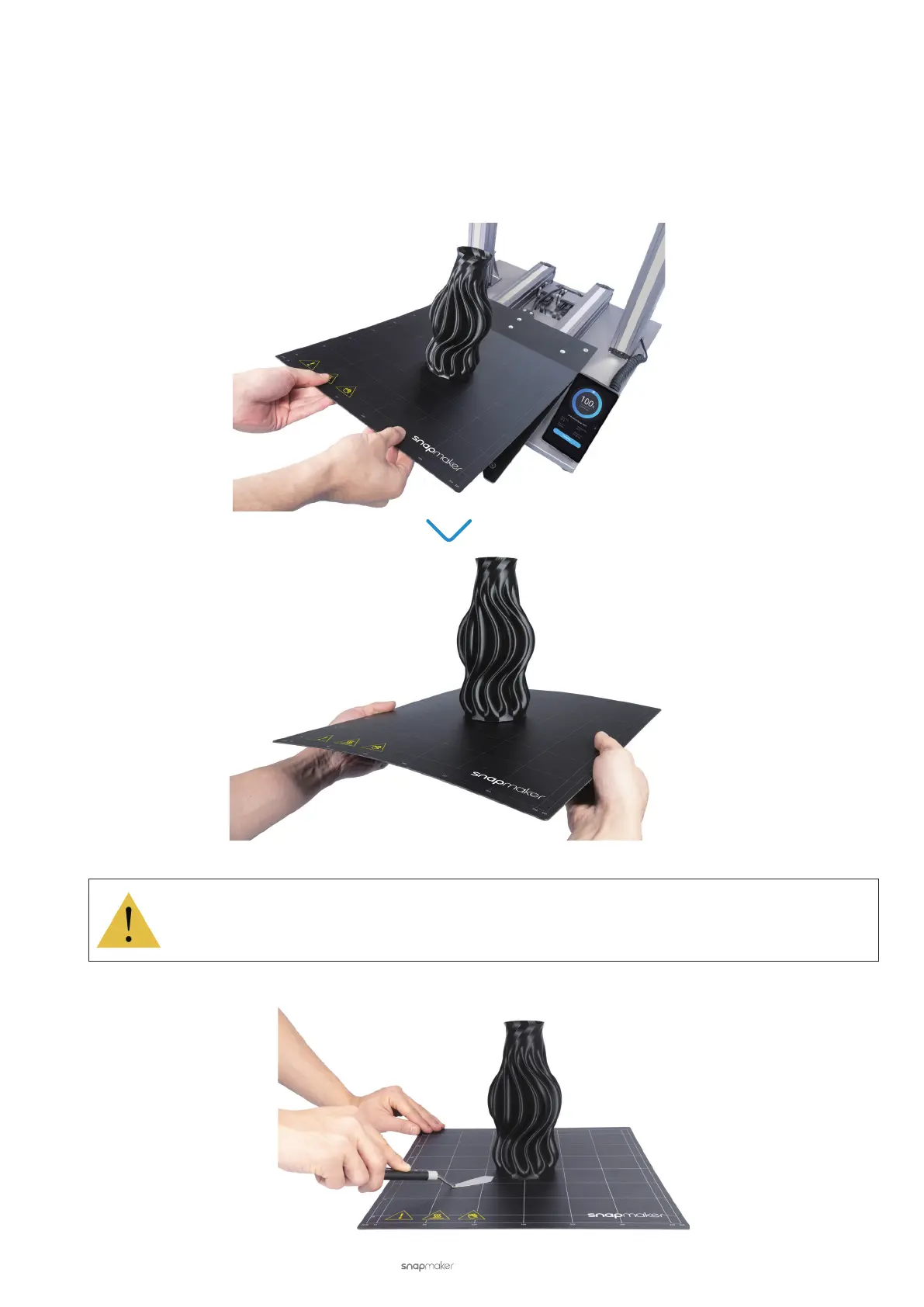
Bend the Print Sheet
(1) Wait several minutes until the nozzle and Heated Bed cool down to the ambient temperature as indicated by
the Touchscreen. Remove the Print Sheet from the Heated Bed, and slightly bend the Print Sheet to detach the
print edge from the Print Sheet.
Do not overbend the Print Sheet; otherwise, it may compromise the first layer adhesion.
(2) Place the Print Sheet on a stable and at workbench. Gently scrape the print using its sharp edge.



 To Next Page