User Manual |
43
3D Printing - 03 How to 3D Print
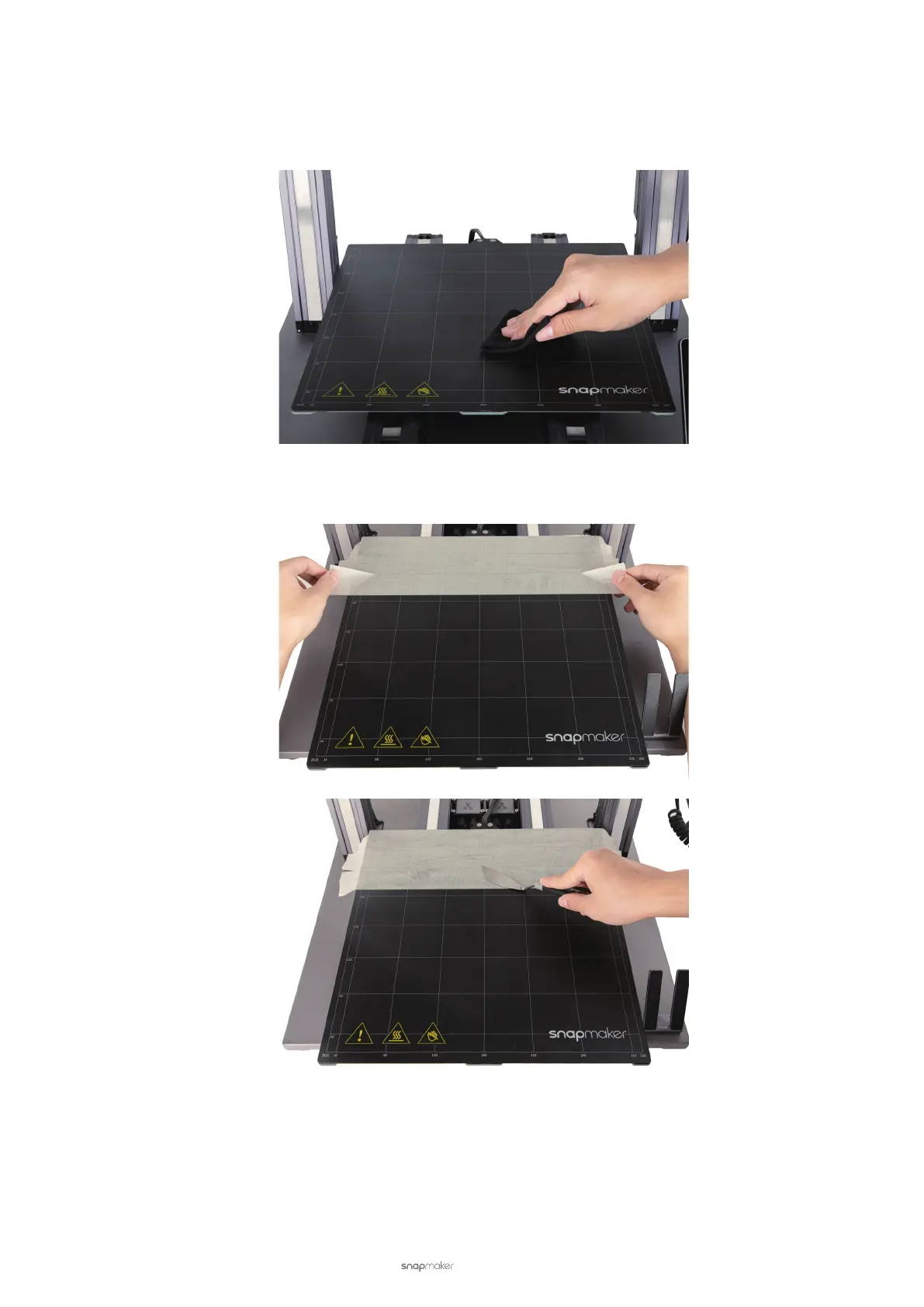
Tape the Print Sheet
To remove the print with ease, you can tape the Print Sheet before printing.
(1) Clean the Print Sheet surface with alcohol.
(2) Tape the Print Sheet using adhesive tapes (≥ 1 mm) that are resistant to high temperature. Apply pressure to
the tapes to smooth out air bubbles underneath using the at blade.



 To Next Page