User Manual |
158
CNC Carving - 04 How to CNC Carve
(5) Set the work origin using the X, Y, Z offsets on Luban, and start carving by clicking the Run button .
Keep the cable connected until the carving job is completed. Otherwise, the job will be stopped.
4.6 Set the Work Origin and Start Carving
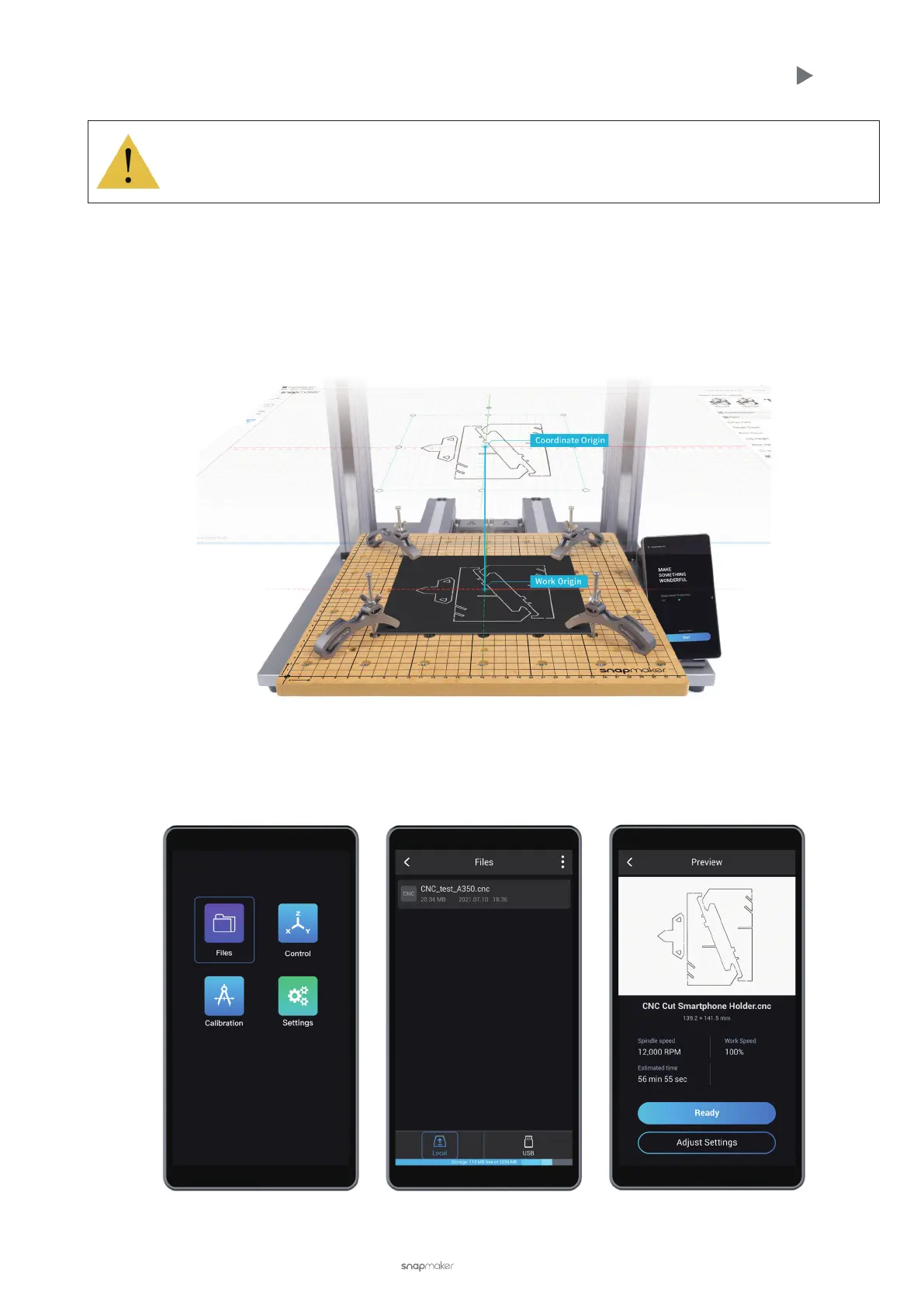
How It Works: Work Origin
Find out where the carving will take place by setting the Work Origin. The Work Origin corresponds to the coordinate
origin (0, 0) in the software.
How to Set the Work Origin
(1) On the Touchscreen, select the le. After receiving the le, tap Files > Local or USB to select your G-code le.
Preview the le, check the carving settings, and tap Ready to set the work origin.



 To Next Page