User Manual |
130
Laser Engraving and Cutting - 06 Troubleshooting
06 Troubleshooting
6.1 Auto Focus Fails
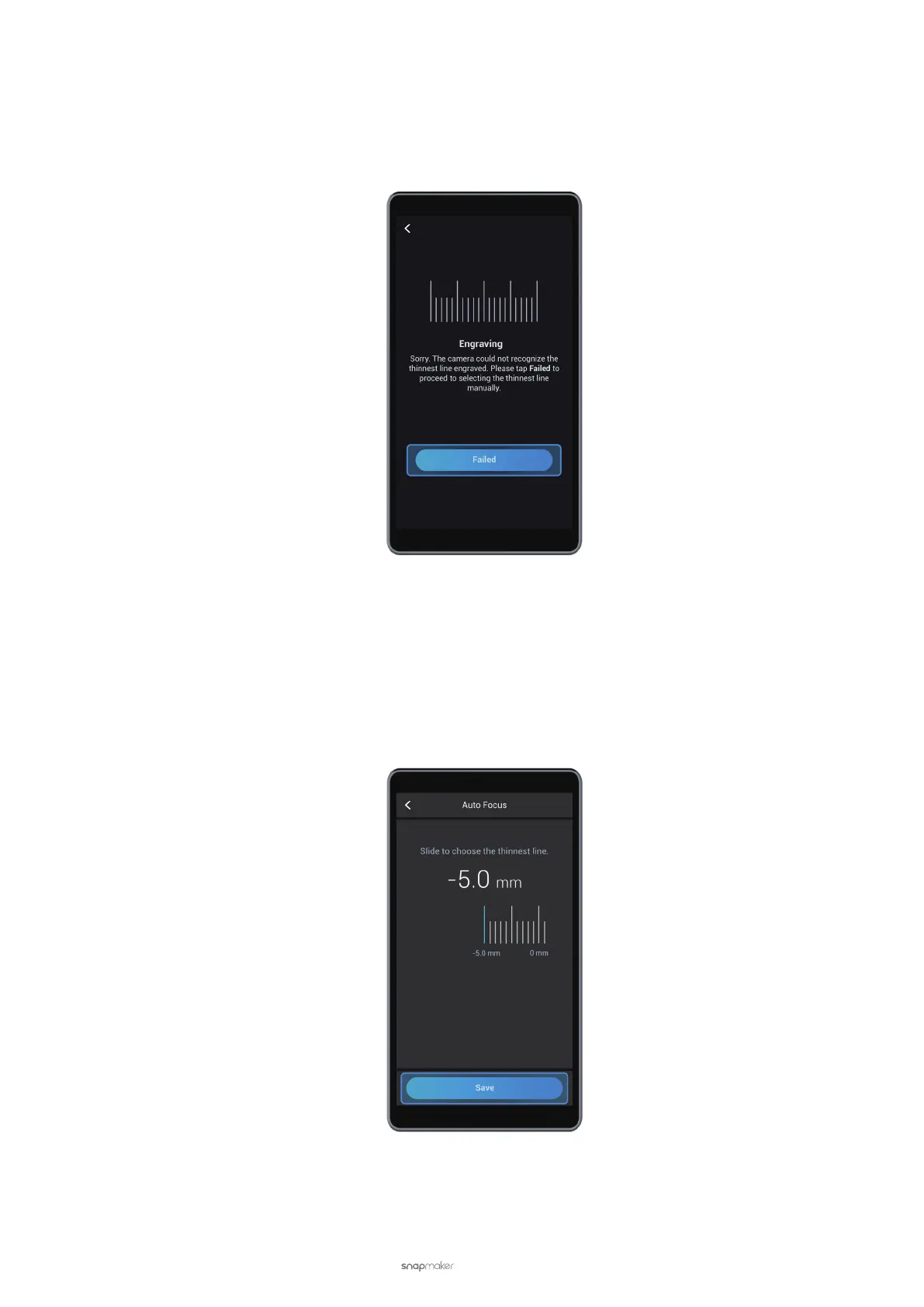
If Auto Focus doesn't go well, the Touchscreen will display Failed.
Possible Causes
• The Laser Module is too high.
Solutions
• Redo Auto Focus. Tap Failed, slide the scale left to select the leftmost line, and tap Save. After the screen goes
back to the APP List Screen, tap Calibration to redo auto focus. If the problem persists, repeat the steps until Auto
Focus succeeds.
• Change the Laser Height manually. On the Touchscreen, tap Failed > Settings > Laser > Adjust Laser Height. Set
the Laser Height to 23.0 mm and then redo auto focus. If the Touchscreen keeps showing Failed, and several lines
fail to be burnt out, lower the laser height (to 21.5 mm or 19 mm, for example), and try again.



 To Next Page