User Manual |
143
CNC Carving - 02 Material Library
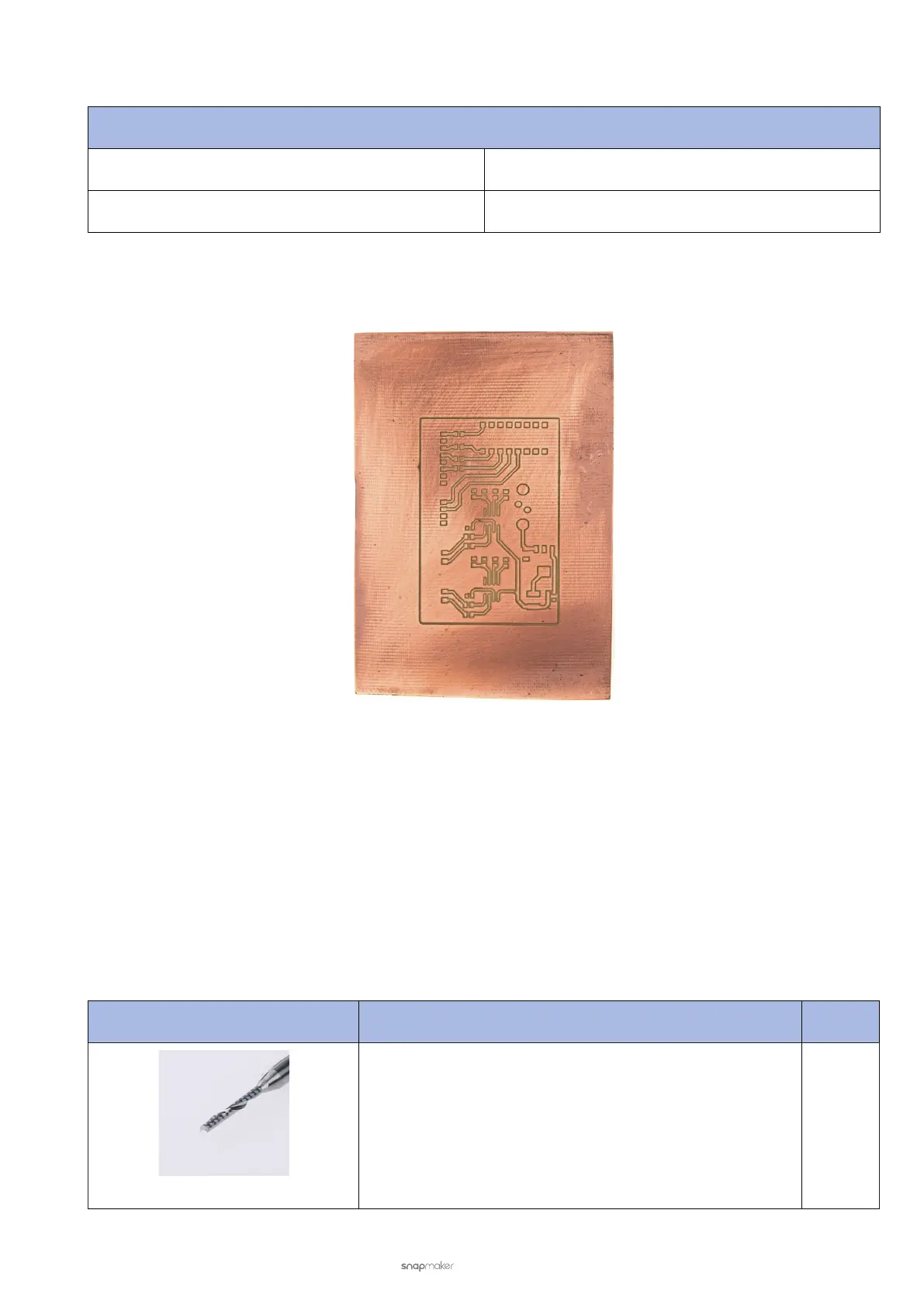
2.7 PCB
Work Parameters
Step Down 0.25 mm
Work Speed 80 mm/min
Recommended Tool: V-bit (Cutting Diameter: 0.3 mm, Included Angle: 30°)
03 Tool Library
3.1 Tool Overview
Your CNC carver comes with an ER11-A 1/8” collet and collet nut, used to secure the CNC bits into the spindle. The
collet supports a variety of CNC bits with shank diameters ranging from 1 mm to 7 mm.
The two CNC bits provided in the box, flat end mill (1.5 mm) and ball end mill, are of the same shank diameter—3.175
mm. Should you want to use other CNC bits, you can buy them from Snapmaker's online store.
Should you want to use bits with different shank diameters, you can use other ER11 collets with different clamping
bores ranging from 1 mm to 7 mm. But ensure that it is an ER11 collet; otherwise, your collet will not t the ER11 nut.
CNC Bit Feature See
Flat End Mill (1.5 mm)
Typically used for roughing operations, cutting 2D shapes,
and flat-sided 3D shapes.
3.2



 To Next Page