User Manual |
59
3D Printing - 05 Maintenance
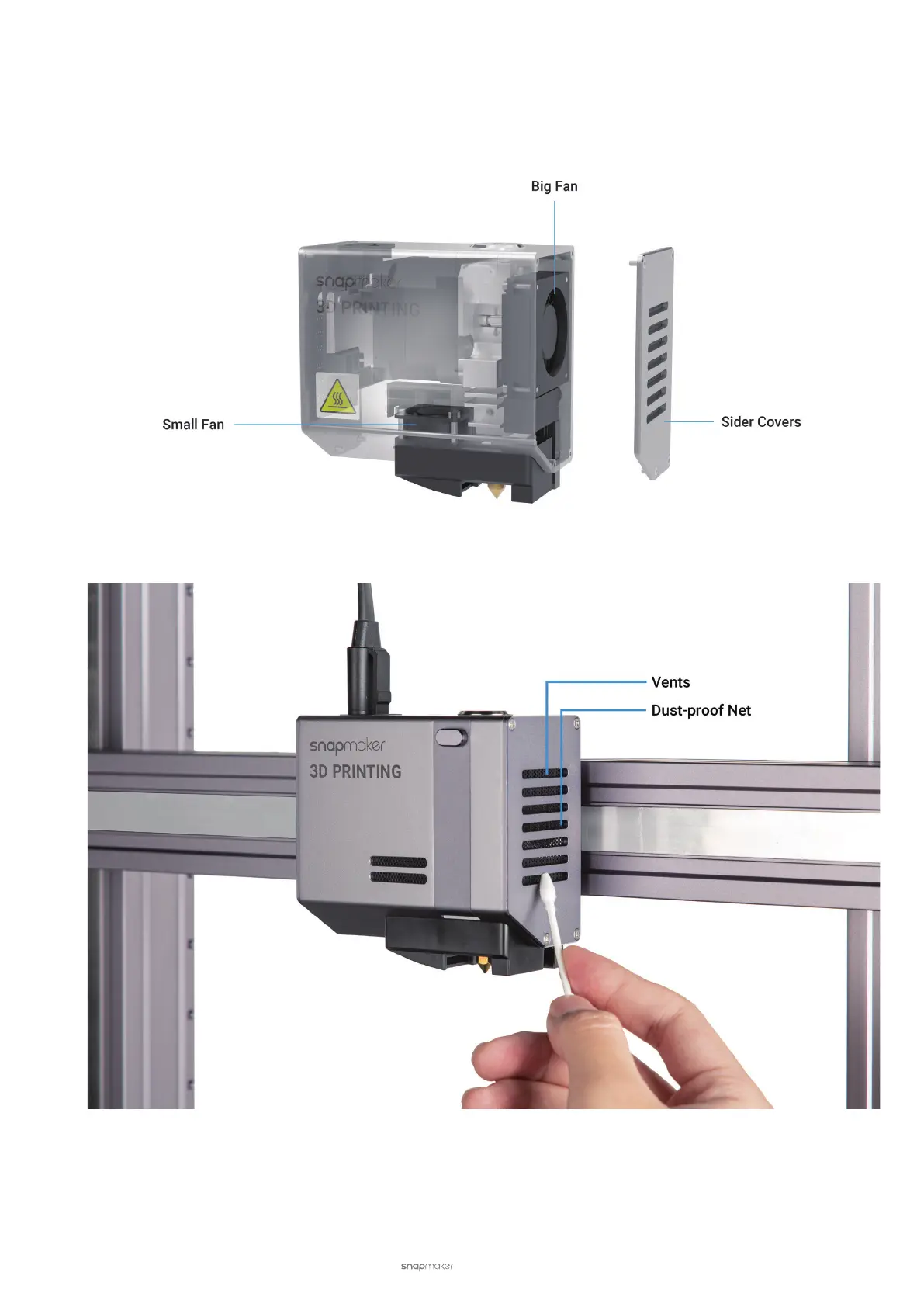
5.3.3 Clean the Side Covers
The 3D Printing Module has two side covers, each with vents and a dust-proof net for heat dissipation. If the side
covers are clogged by foreign matters, it will affect the airflow inside the 3D Printing Module. Consequently, the
internal components will be overheated, and the 3D Printing Module will malfunction.
To avoid this, you should check the vents and dust-proof nets monthly. Use a swab or vacuum to clean the foreign
matters.
5.4 Every Three Months
To keep your 3D printer and Luban up to date, update your firmware and software every three months.
For how to update, see Firmware and Software.



 To Next Page