User Manual |
99
Laser Engraving and Cutting - 03 How to Laser Engrave and Cut
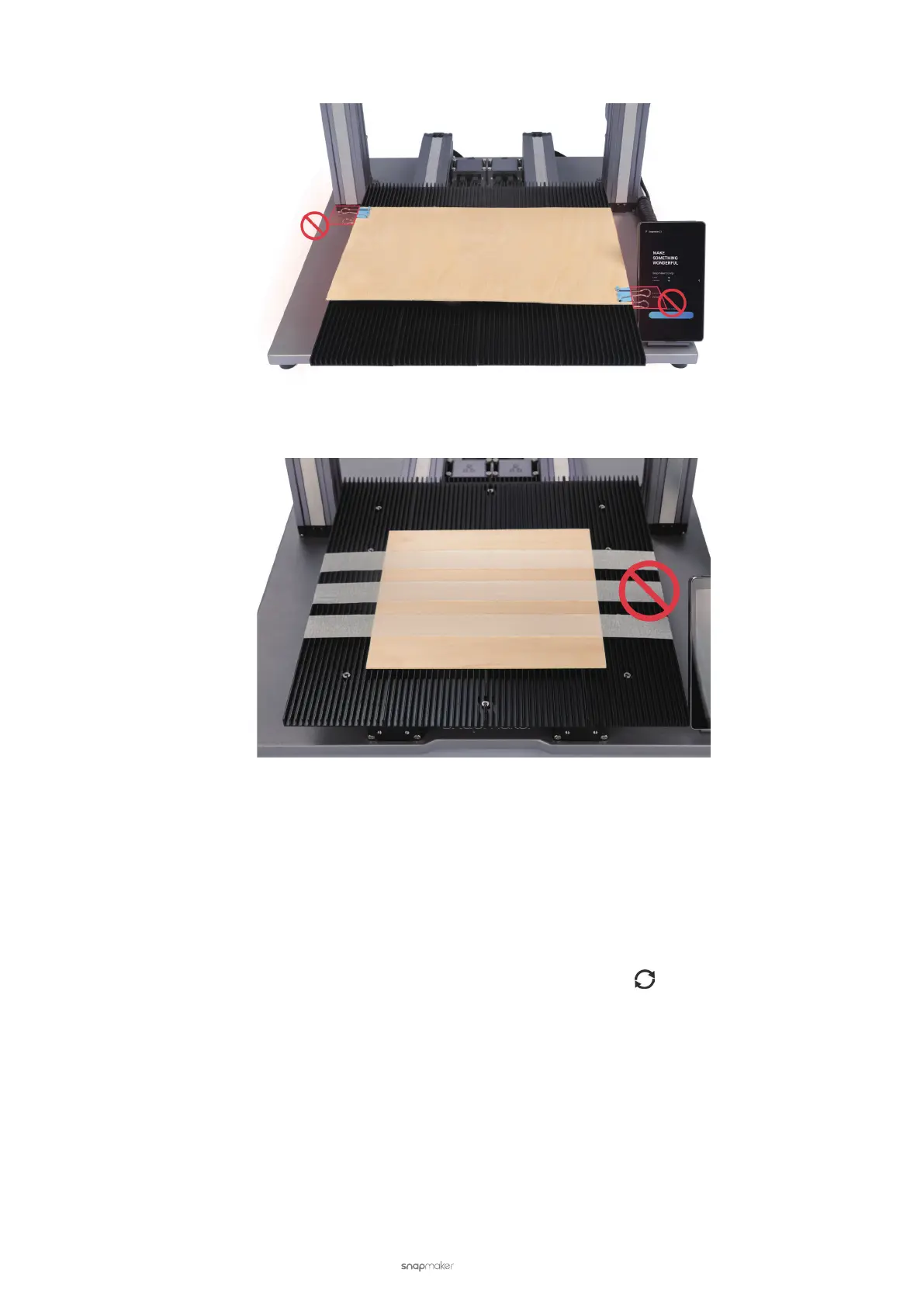
• Ensure that the fastening tools will not collide with any portions of the machine.
• Ensure that the fastening tools remain out of the engraving and cutting paths.
3.5 Connect the Machine to Luban
Luban is a free slicing software designed by Snapmaker. You can use Luban to edit and process the les for
engraving and cutting. You can also connect your machine to Luban via Wi-Fi or USB cable and operate the machine
using Luban. This section describes how to connect the machine to Luban.
Connect via Wi-Fi
(1) Connect the machine and your computer to the same Wi-Fi network.
(2) In Luban, click Workspace. On the Connection panel, click Wi-Fi > Refresh > Select your machine from the
drop-down list > Connect.
(3) Tap Yes on the Touchscreen of the machine.



 To Next Page