User Manual |
131
Laser Engraving and Cutting - 06 Troubleshooting
6.2 Camera Capture Does not Work
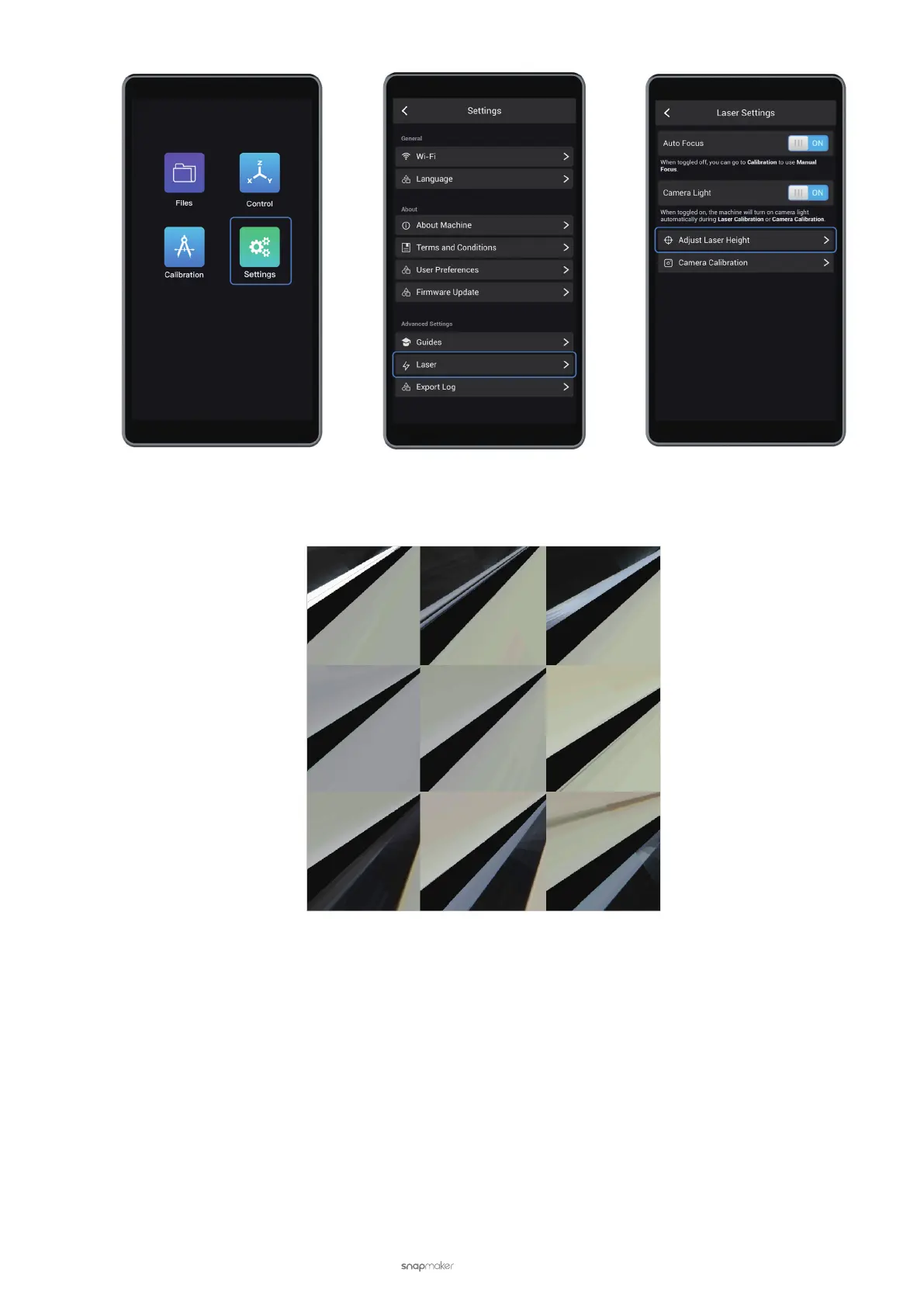
If the image is not fully processed, it indicates that camera capture is not working properly.
Possible Causes
• Your Snapmaker Luban is running the old version.
• You are not using camera capture correctly.
Solutions
• Download the latest version of Snapmaker Luban from https://snapmaker.com/product/snapmaker-2/downloads.
• To manually adjust the calibration result, see 3.3 Calibrate the Camera: Manually Adjust the Calibration Result.
• If the camera capture feature still doesn't work, please nd the images generated by the camera through
the following path. Export them to your USB drive, and send them to support@snapmaker.com for further
investigation.
- Windows OS: C:\Users\admin\AppData\Roaming\snapmaker-luban\Tmp
- macOS: /Users/admin/Library/Application\ Support/snapmaker-luban/Tmp



 To Next Page