User Manual |
97
Laser Engraving and Cutting - 03 How to Laser Engrave and Cut
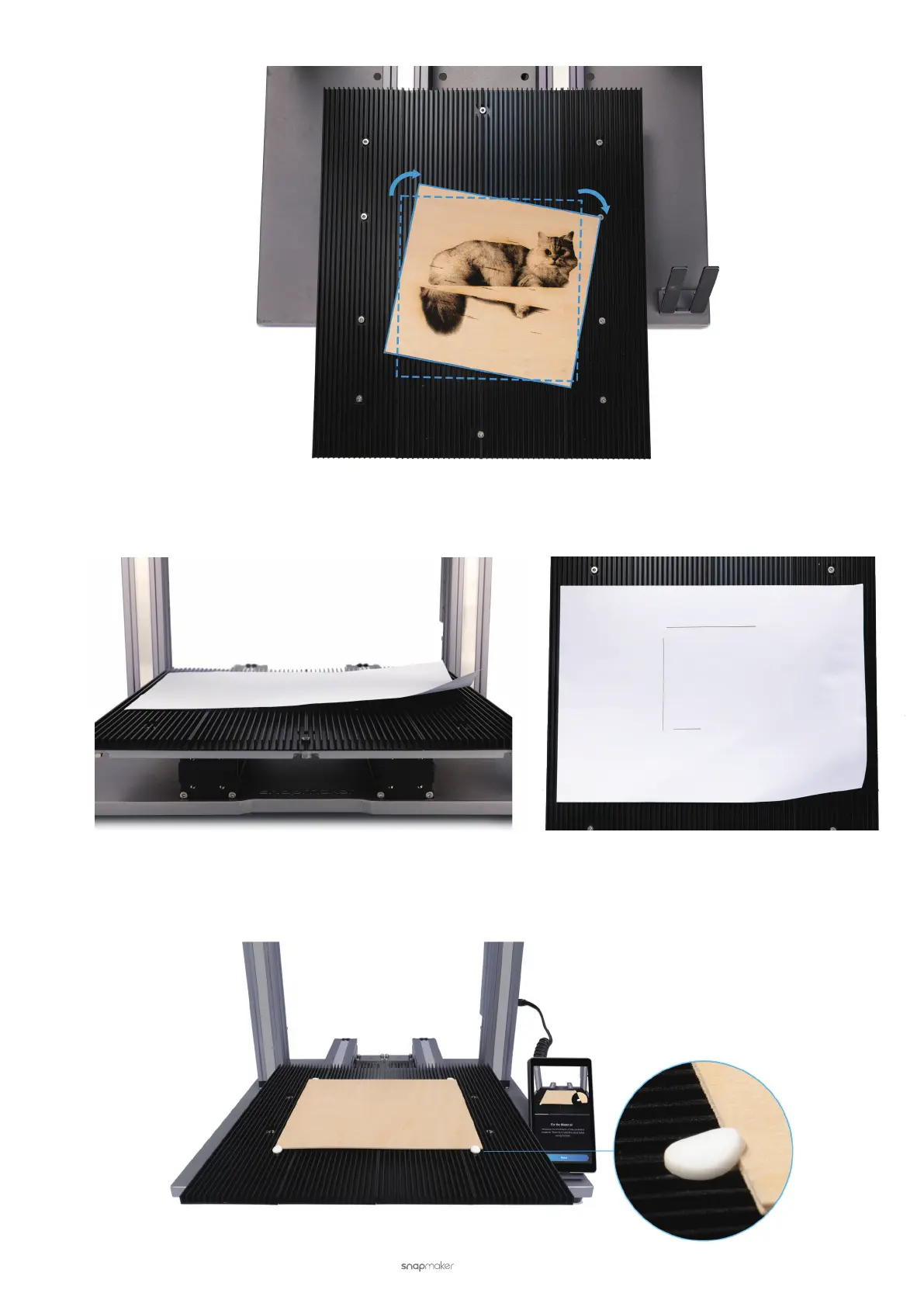
• To ensure consistent focusing.
The laser engraving and cutting machine works with a xed focal length. If the material surface is not flat, the
engraving and cutting effect will be compromised.
You can fasten the material with the provided silicon plugs or other tools.
• Use Provided Silicone Plugs
Place the material on the Laser Engraving and Cutting Platform. Fasten it with at least four silicone plugs as
illustrated.



 To Next Page