User Manual |
106
Laser Engraving and Cutting - 03 How to Laser Engrave and Cut
Transfer via USB Flash Drive
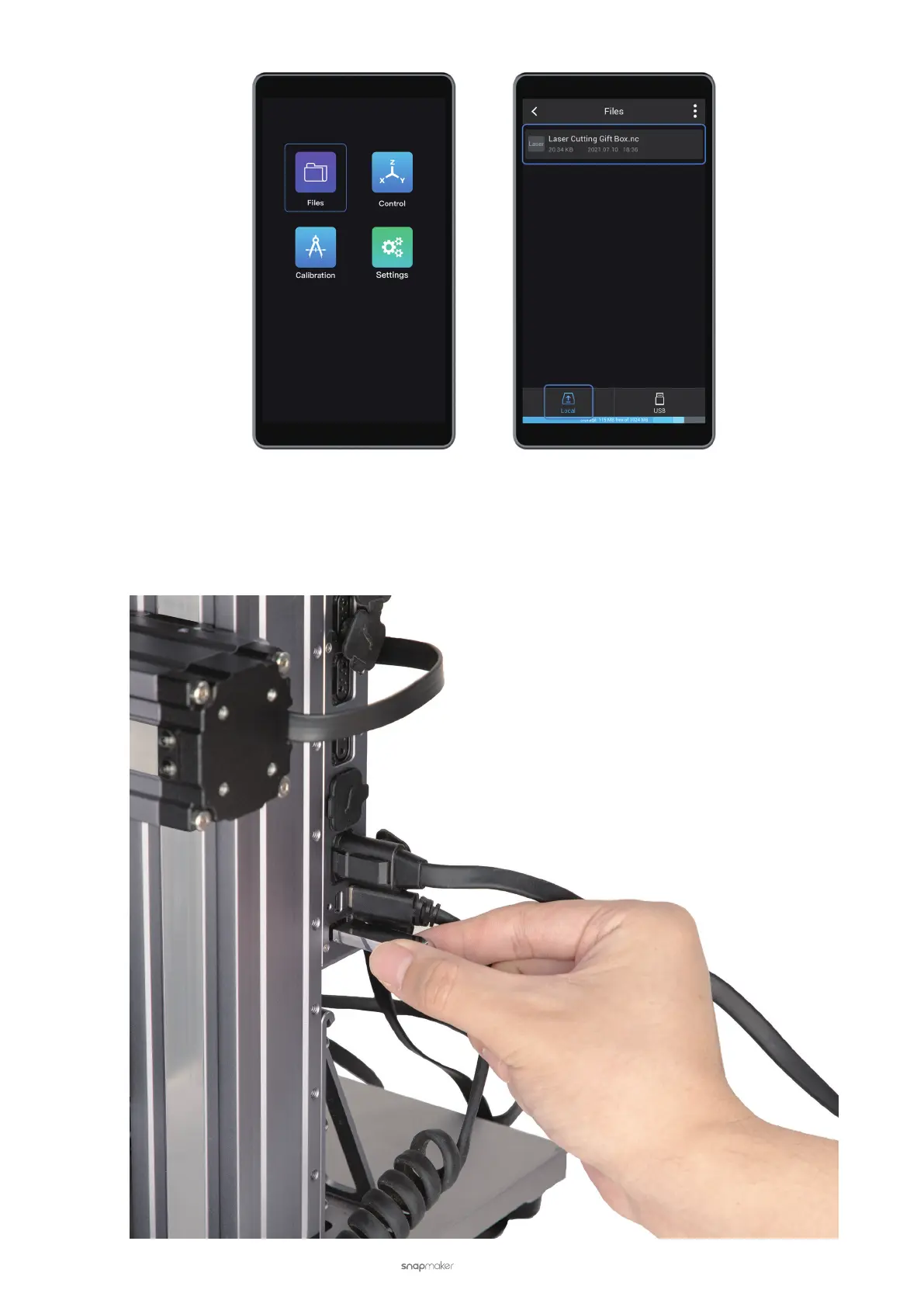
(1) In the edit and process space for laser in Luban, click Export G-code to File (in .nc format) and save the
exported le to the USB flash drive.
(2) Insert the USB flash drive into the Controller of the laser engraving and cutting machine.



 To Next Page