User Manual |
154
CNC Carving - 04 How to CNC Carve
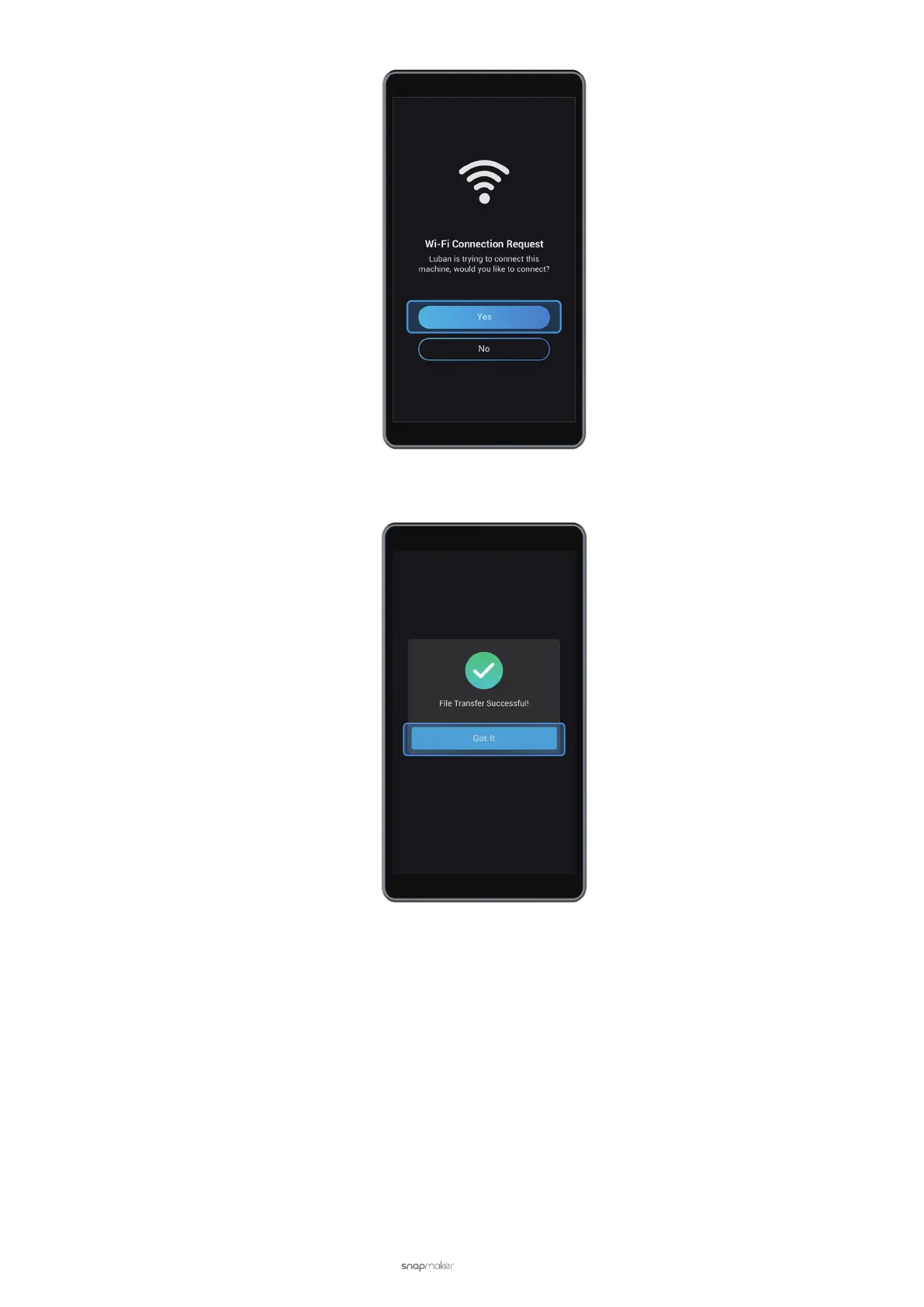
(3) In Workspace, click Send to Device via Wi-Fi.
(4) On the Touchscreen, tap Got It to receive the G-code le.
(5) On the Touchscreen, nd the G-code le by tapping Files > Local. For the next steps, see 4.6 Set the Work
Origin and Start Carving.



 To Next Page