User Manual |
160
CNC Carving - 04 How to CNC Carve
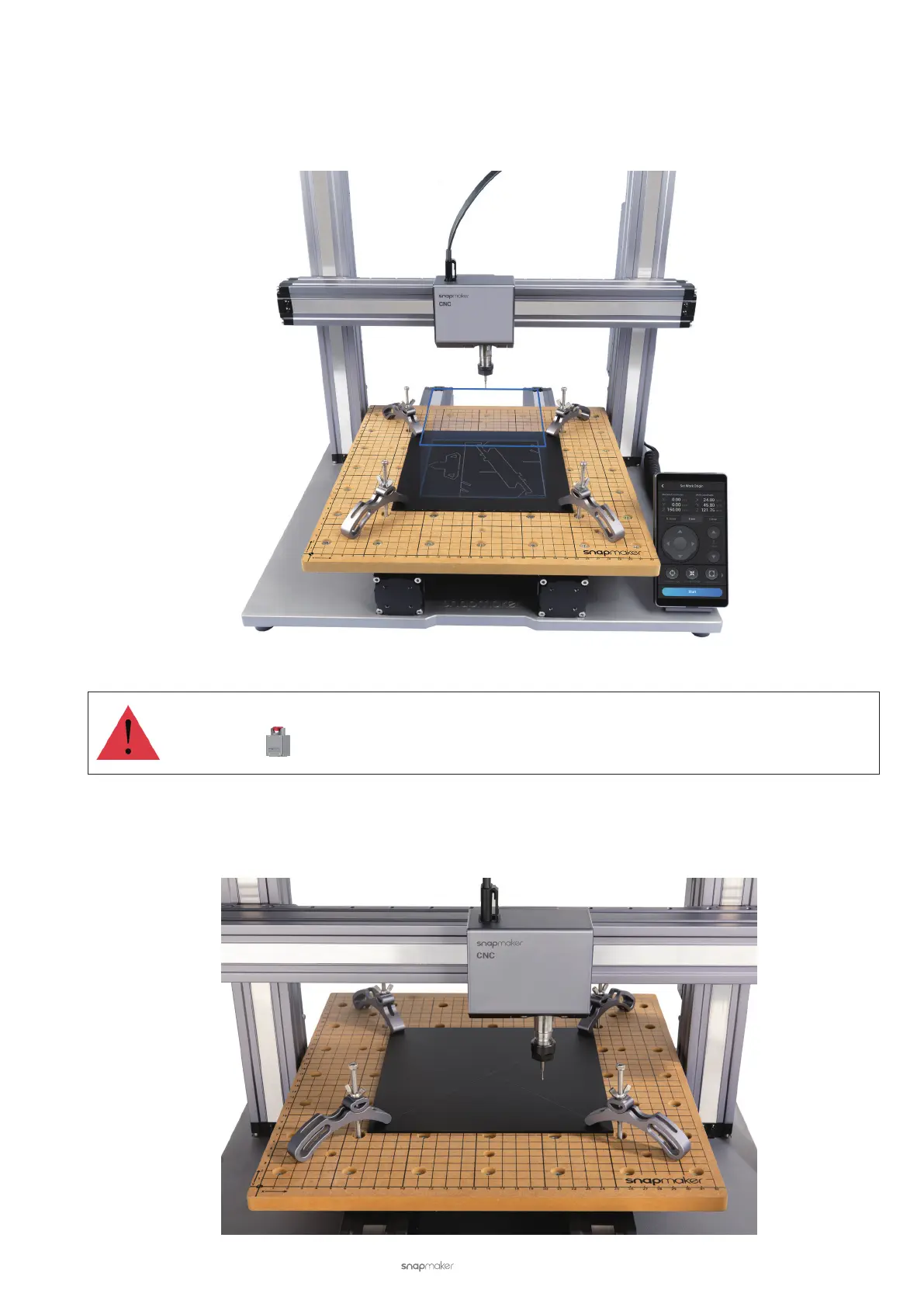
(4) Check the work area. Tap Z+ to lift the CNC bit above the clamp sets, and then tap Run Boundary to check
if the work area is proper. If the boundary trailed by the CNC bit reaches beyond the material, or the CNC bit
bumps into the clamp sets, reset the work origin and run the boundary again.
If the CNC bit bumps into the CNC carver, turn off the machine immediately or press the Emergency
Stop Button . If the CNC bit is damaged, replace it with a new one.
(5) Recheck the work area (optional). Lower the CNC bit to 10 mm above the material, and then tap Run Boundary
to recheck if the CNC bit will bump into the clamp sets.



 To Next Page