User Manual |
53
3D Printing - 05 Maintenance
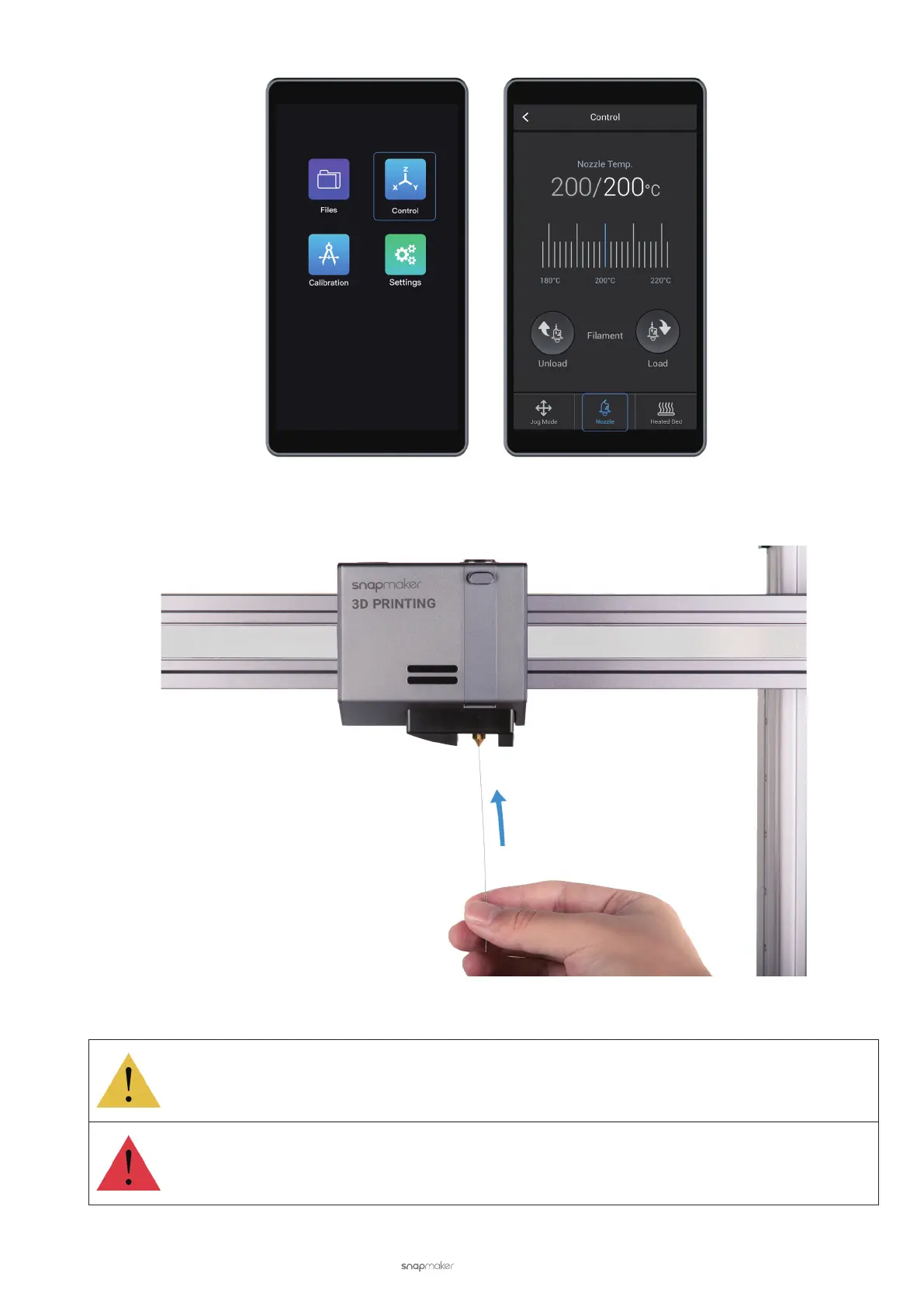
b. Clean the bore. After the nozzle reaches the target temperature, insert a needle, with its diameter smaller than
0.4 mm, into the nozzle bore from the bottom.
Do not use pliers, scissors, or drill bits to clean the nozzle as they may damage the nozzle.
Do not touch the hot nozzle with bare hands.



 To Next Page