User Manual |
56
3D Printing - 05 Maintenance
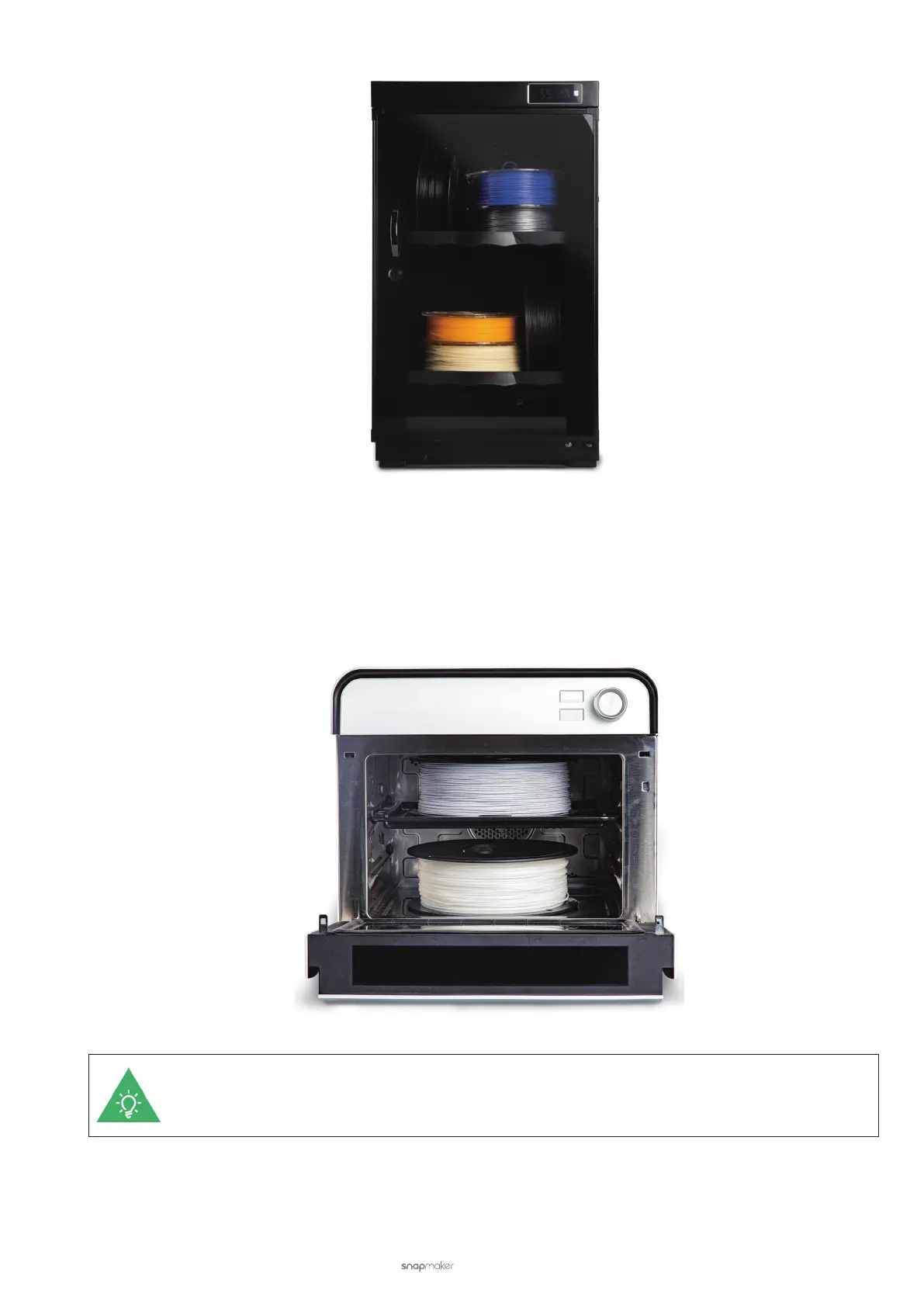
Use an oven. Put your damp filament into the oven, set an appropriate temperature, and leave it dry for hours. After
the oven finishes, recheck if the filament is adequately dried. Note that drying temperature and drying time vary with
filament types, brands, and quantities. Before drying, check the optimal drying temperature and drying time for your
damp filament.
If the filament is still damp, you can buy new filaments from Snapmaker's online store.



 To Next Page