User Manual |
82
Laser Engraving and Cutting - 03 How to Laser Engrave and Cut
(3) Calculate and record the focal length.
After the best engraved line is identied, automatically or manually, the machine will register the corresponding
laser height and calculate the focal length, which will be saved for subsequent use.
As long as you do not reassemble the Laser Module and the machine works normally, the recorded focal
length can be used for the next engraving and cutting job. For the next engraving and cutting job in Auto Mode
(see 3.9 Start Engraving and Cutting), you only need to set the material thickness, and then the machine will
automatically adjust itself to ensure that the focal point always falls on the material surface.
To switch the focusing mode, tap Settings > Laser > Auto Focus on the Touchscreen.
Automatically Measure the Focal Length
Preparation:
Laser Material × 1
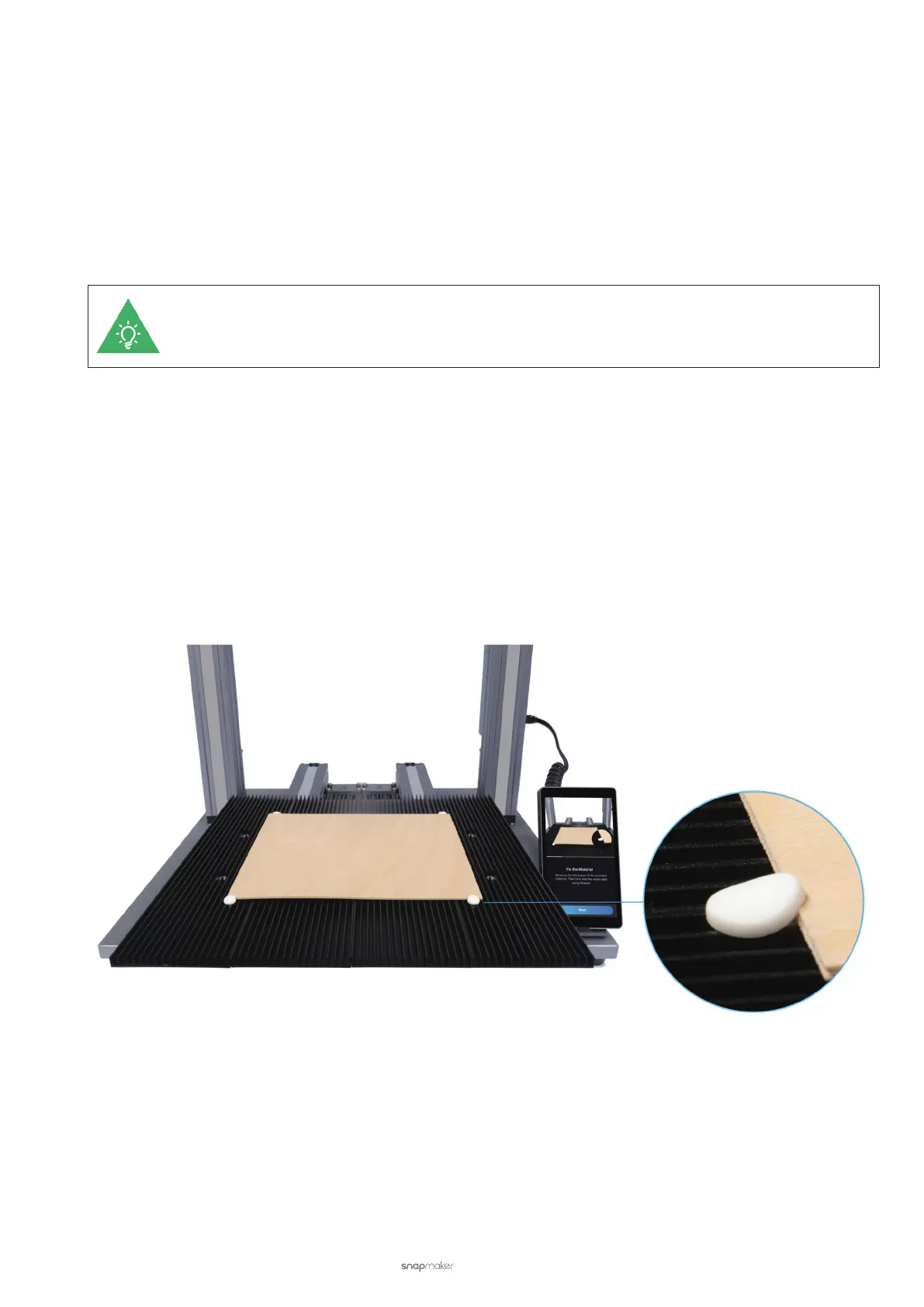
Silicone Plugs × 4
Laser Safety Goggles × 1
(1) Place the provided material on the Laser Engraving and Cutting Platform. Secure it with the silicone plugs.



 To Next Page