13 14
Getting started
Icon Status
1/2
Call counter - more than one call is active.
More than one call is active. Press p or q to view another call.
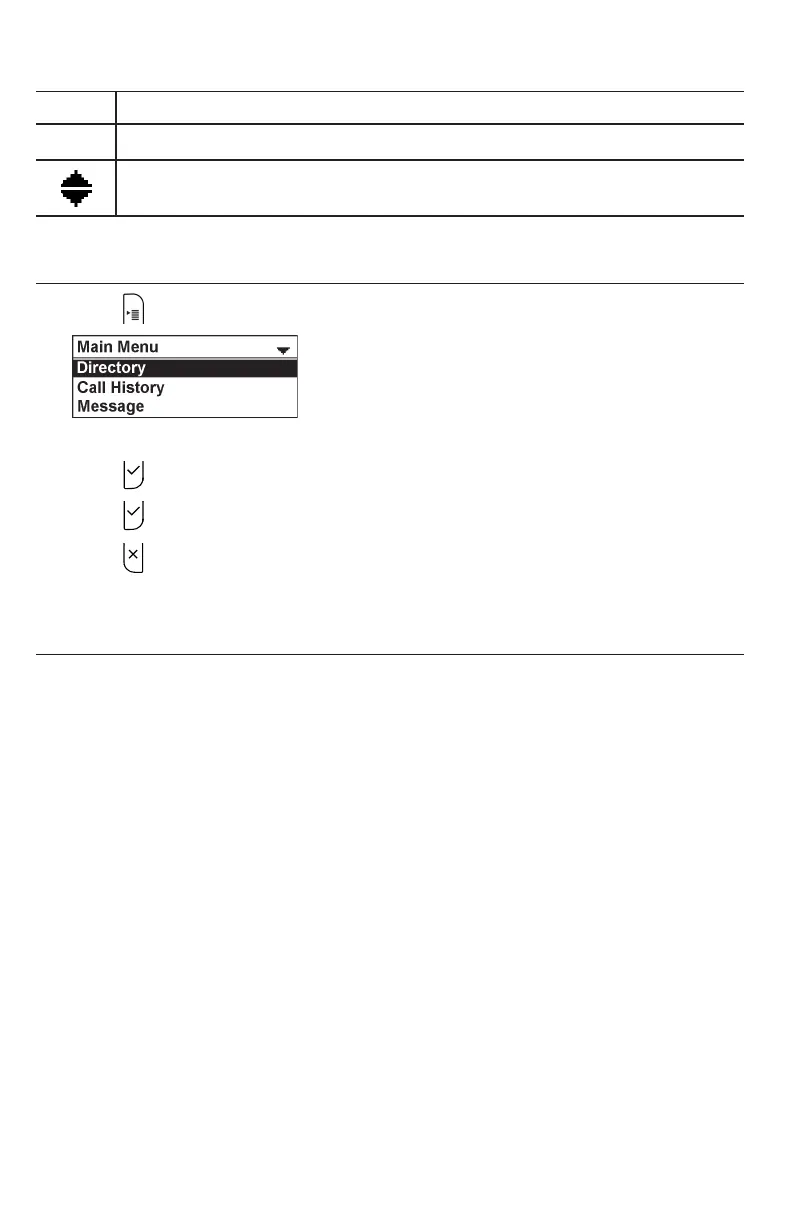
Using the Main Menu
1. Press to show the Main Menu.
2. Press q or p to highlight menu items.
3. Press to select a highlighted menu item.
4. Press or an appropriate soft key to save changes.
5. Press to cancel an operation, exit the menu display or return to the idle
screen.
Main menu items
• Directory (see page 28)
• Call History (see page 33)
• Message (see page 25)
• Call Features (see page 38)
• Status & Settings (see page 42)



 To Next Page