51
Registration
9. Press the # key on the conference phone to begin registration.
The conference phone displays the message “Registering... please wait.”
When registration is complete, the conference phone beeps and then displays
“Speaker Registered.”
If the conference phone fails to register, remove it from the charger for a few
seconds, replace it in the charger, and repeat the registration procedure.
Deregistering the conference phone
1. Press .
2. Press q or p to highlight Status & Settings, and then press .
3. Press q or p to highlight User Settings, and then press .
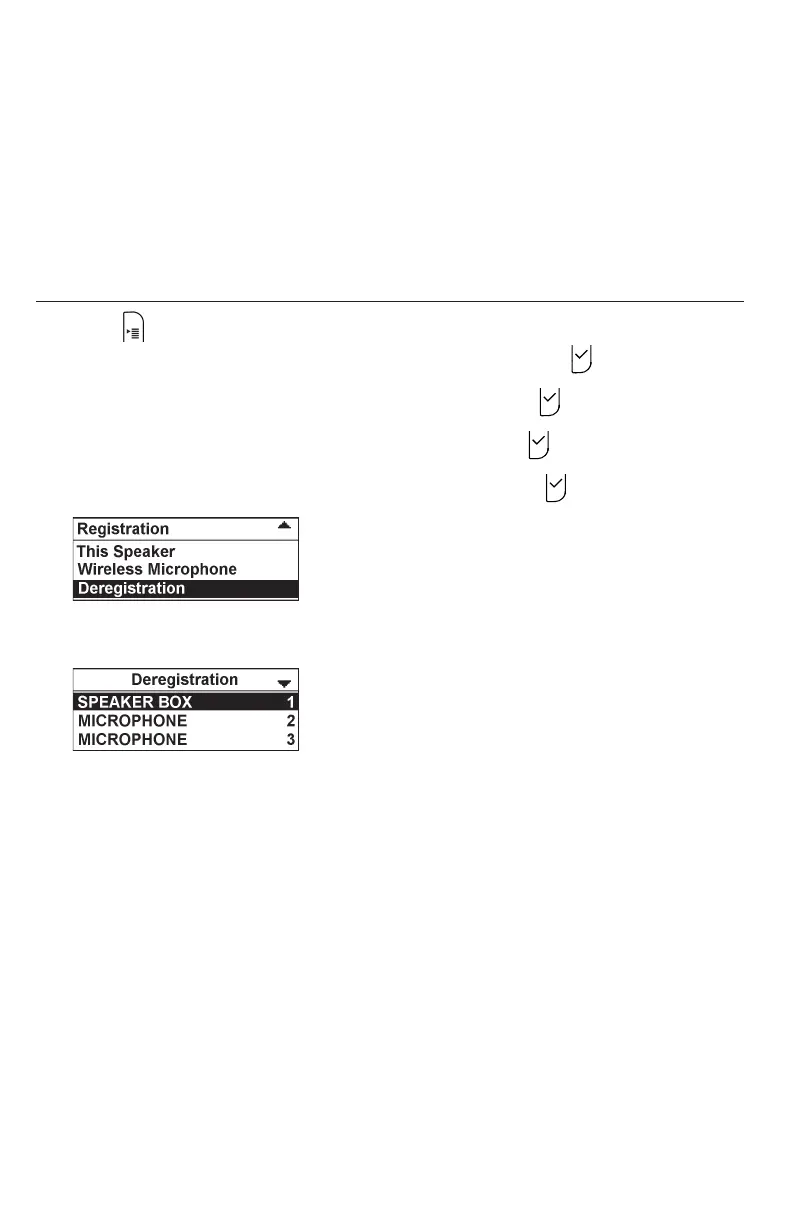
4. Press q or p to highlight Registration, and then press .
5. Press q or p to highlight Deregistration, and then press .
6. Press q or p to highlight the <device name> of the conference phone.
For example, “SPEAKERBOX 1”.
7. Enter the PIN. Default PIN is 1590.
If deregistration is successful, the conference phone displays a message.
For example, “SPEAKER BOX 1 Handset is deregistered.”



 To Next Page