36
Speed dial
The speed dial menu enables you to enter up to 10 numbers that you dial frequently.
Dialing a speed dial number
• When the conference phone is not in use, press and hold a dialing key (0-9) that
matches the speed dial entry number (for entry 10, press and hold 0).
Adding a speed dial entry
1. Press .
2. With Directory highlighted, press .
3. Press p or q to highlight Speed Dial, and then press .
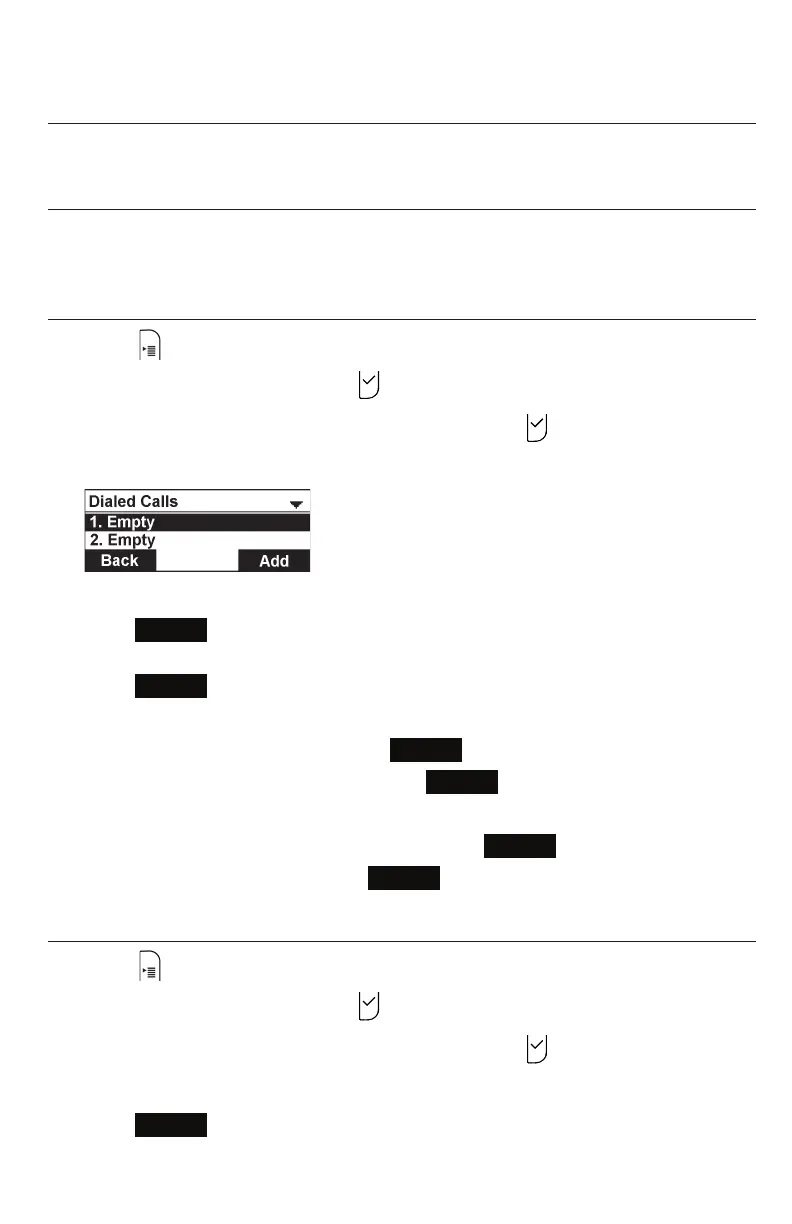
The Speed Dial menu appears.
4. Press p or q to highlight a speed dial entry marked “Empty.”
5. Press
Add
.
6. Use the keypad to change the Name and Number.
Press
Next
after entering each item.
• To move the cursor left or right, press t or u.
• To erase a character/digit, press
Backspc
.
• To move to the next item, press q or
Next
.
• To move back to the previous item, press p.
7. Press t or u to change the line, and then press
Next
.
8. To save the speed dial entry, press
Save
.
Editing a speed dial entry
1. Press .
2. With Directory highlighted, press .
3. Press p or q to highlight Speed Dial, and then press .
4. Press p or q to highlight the speed dial entry you want to reassign.
5. Press
Edit
.
Speed dial



 To Next Page