53
Registration
Deregistering the wireless mics
1. Press .
2. Press q or p to highlight Status & Settings, and then press .
3. Press q or p to highlight User Settings, and then press .
4. Press q or p to highlight Registration, and then press .
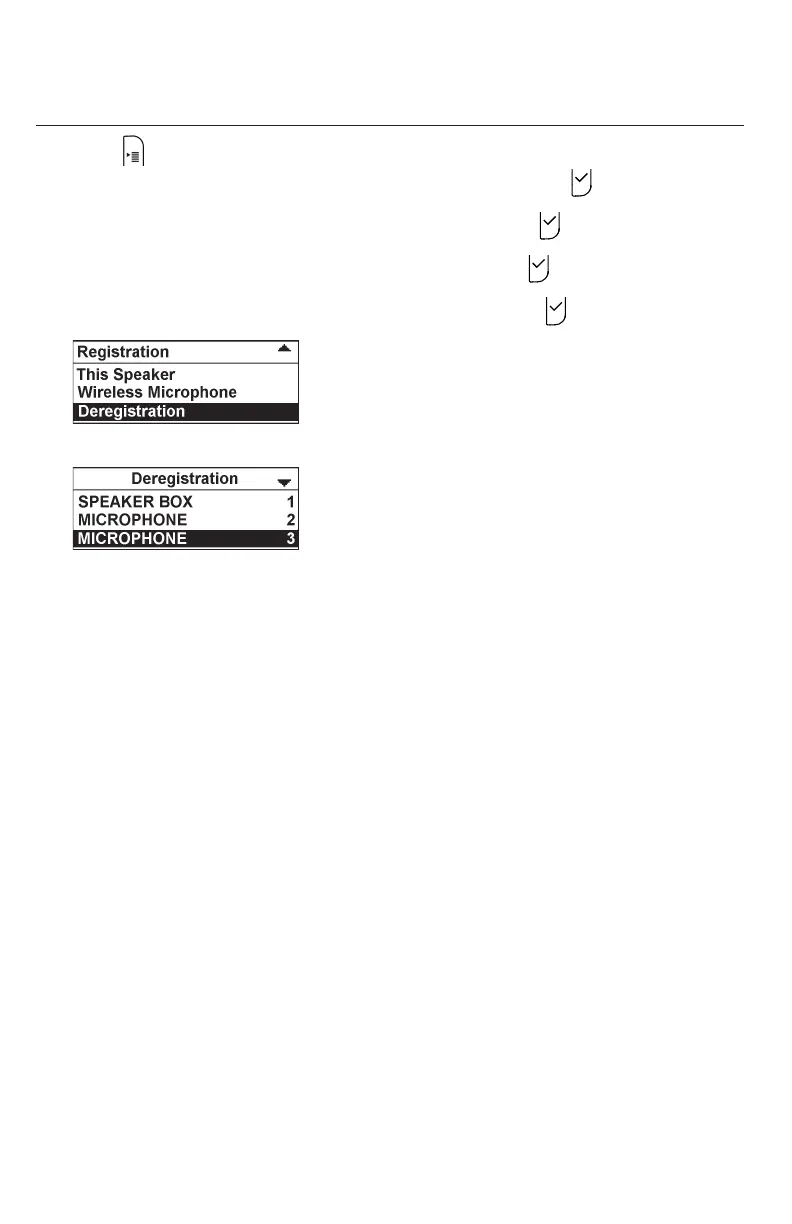
5. Press q or p to highlight Deregistration, and then press .
6. Press q or p to highlight the wireless microphone you want to deregister.
7. Enter the PIN. Default PIN is 1590.
If deregistration is successful, the conference phone displays a message.
For example, "MICROPHONE 3 Handset is deregistered.”
8. To deregister another wireless mic, go to step 5.



 To Next Page