27 28
Conference phone operation
Paging
This feature helps you find the conference phone and any misplaced wireless mics
within the range of the base unit.
To start the paging tone:
• Press the LINK key on the base station.
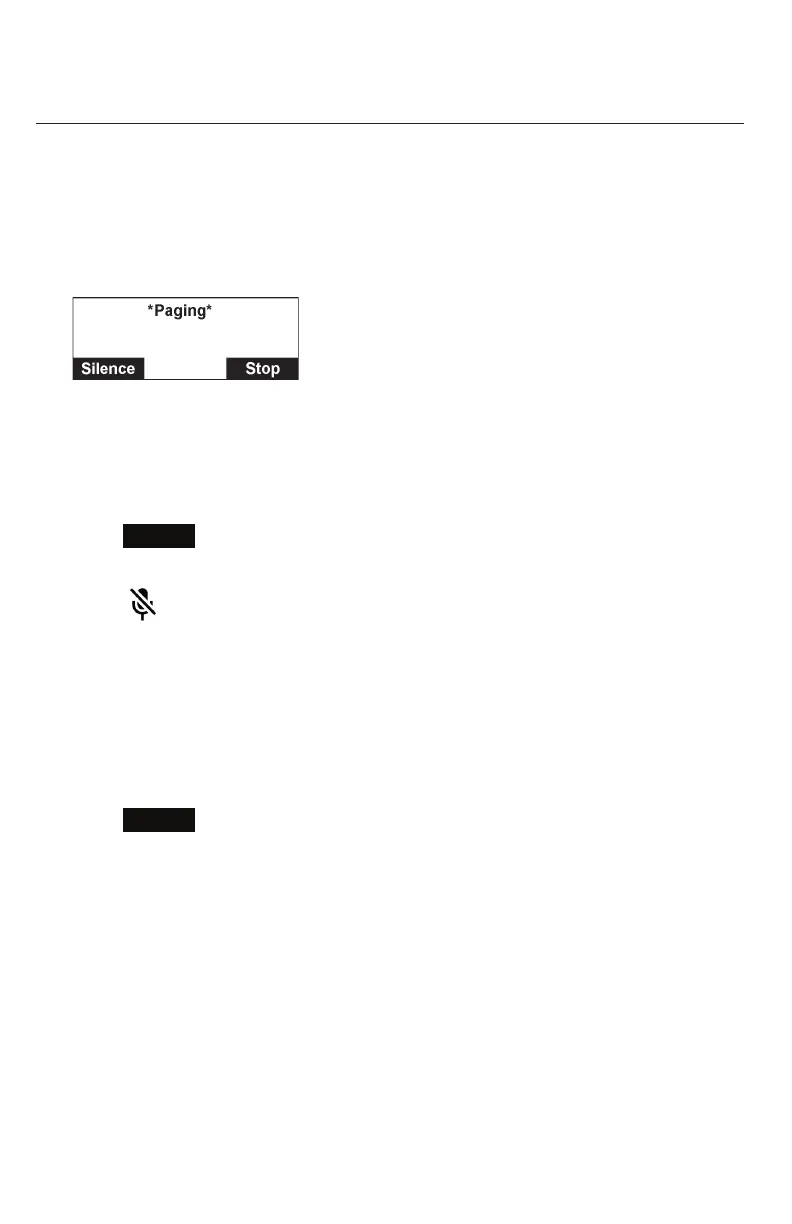
The Paging screen appears.
• The conference phone rings and the status indicators flash green.
• If the wireless mic is not in its cradle, the wireless mic beeps and the status
indicator flashes red.
To mute the paging tone:
• Press
Silence
on the conference phone.
-OR-
Press (MUTE ALL) on the wireless mic or conference phone.
-OR-
Place the wireless mic in its cradle.
To stop the paging tone:
• Press the LINK key on the base station.
-OR-
Press
Stop
on the conference phone.
Note: The paging tone automatically stops after 60 seconds has elapsed.



 To Next Page