19 20
Conference phone operation
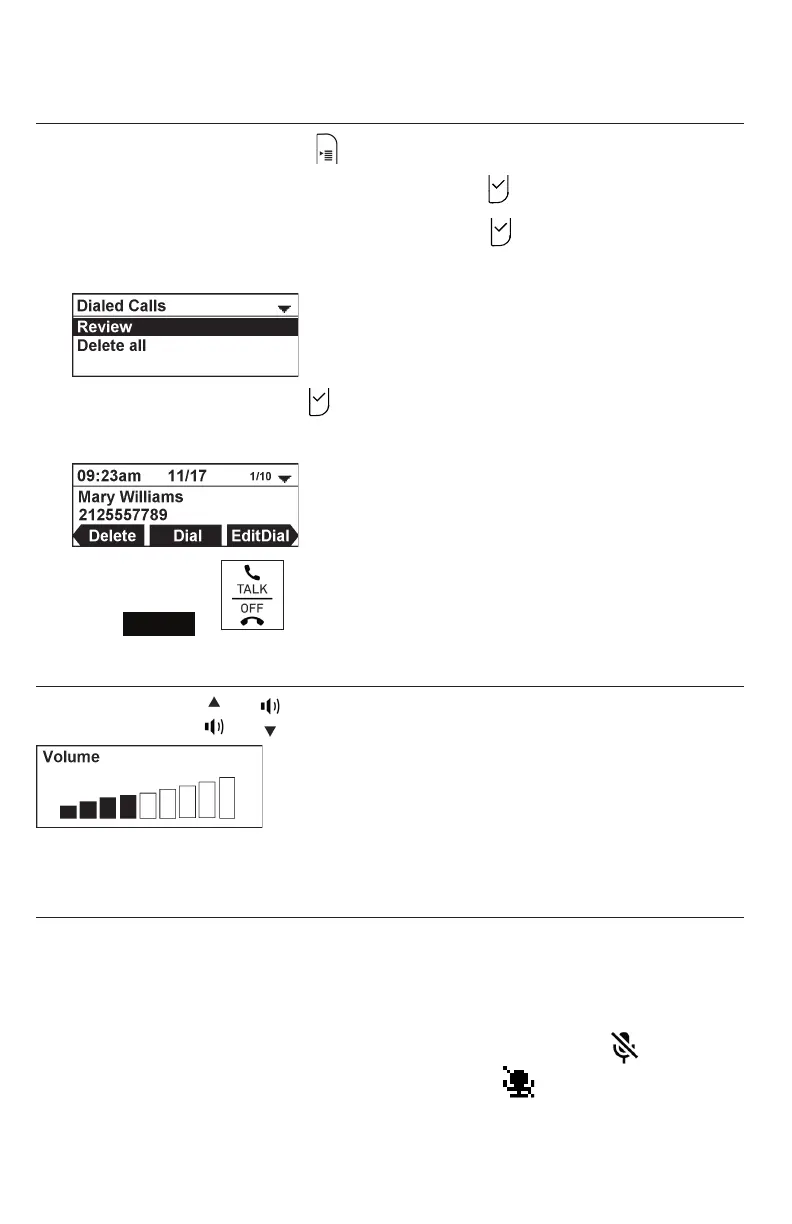
Redialing a call
1. When the phone is idle, press
2. Press q or p to highlight Call History, then press .
3. Press q or p to highlight Dialed Calls, then press .
The Dialed Calls screen appears.
4. With Review selected, press .
5. Press q and p to select the number you want to redial.
6. Press
Dial
or .
Adjusting call volume
During a call, press or to adjust the listening volume (1-9).
NOTE: When the volume reaches the minimum or maximum setting, you hear a beep.
Muting active calls
The mute function enables you to hear the other party, but the other party cannot
hear you.
To mute all microphones:
• During a call, press MUTE ALL on the conference phone or press on a
wireless mic. The status indicators turn red, and the symbol appears.



 To Next Page