14
Getting started
Input Modes
When you dial a phone number, the input mode is always numerals.
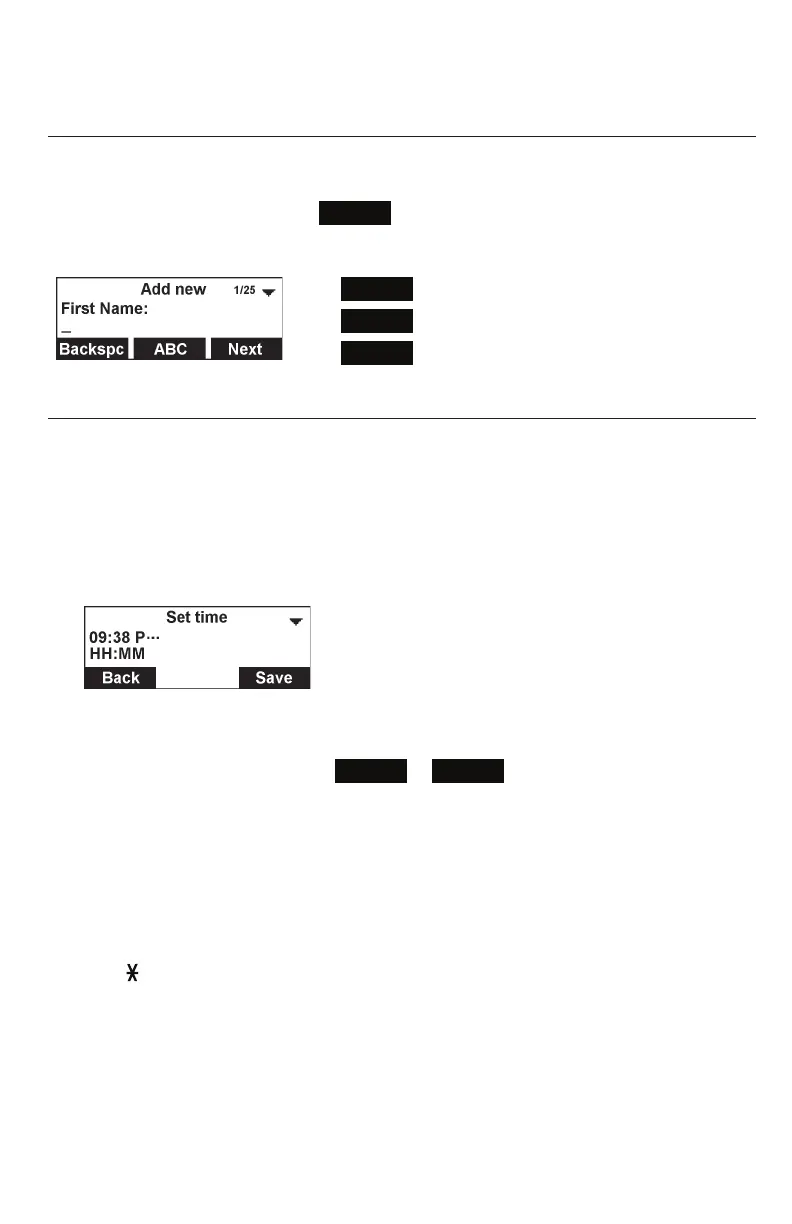
When you edit directory entries, the current input mode is indicated by the label of
the middle softkey. For example,
ABC
for uppercase letters.
To switch to the next input mode, press the middle softkey underneath the display.
ABC
= Uppercase letters
123
= Numerals
abc
= Lowercase letters
Entering numerals, letters, and symbols
When entering letters and special characters, pause briefly after each character
until the cursor has moved forward so that you won’t overwrite the last character you
entered. Pausing is not necessary when entering numerals.
Numerals:
• When entering numerals, press the respective number key to type the number
printed on the key.
Letters and Symbols:
• To switch between entering uppercase and lowercase letters, press the middle
softkey until its label displays
ABC
or
abc
.
• When entering letters, press the alphanumeric key (2-9) with the respective
letter one, two, three, or four times quickly to type the first, second, third, or
fourth letter printed on the key. Pause briefly after each letter.
Example: When entering lowercase letters, press the “2” key once to type an “a”,
twice to type a “b”, and three times to type a “c”.
• When entering special characters and symbols, press the alphanumeric key
(0-9, , #) as many times as needed. Pause briefly after each character or
symbol. To see a list of symbols and which key to press, refer to the tables on the
next page.



 To Next Page