Settings
42
Setting Missed Call Alert
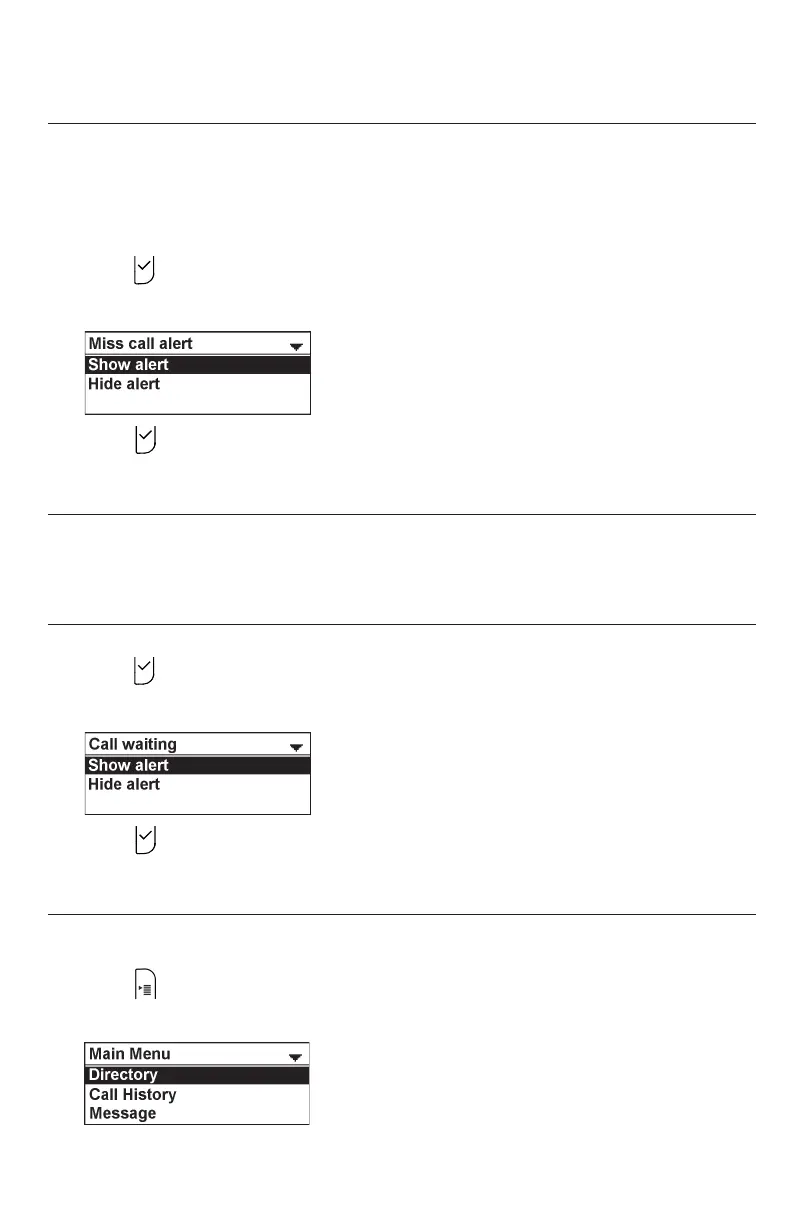
The Missed call alert setting enables the phone to display the missed call alert
screen (see "Missed calls" on page 18).
To set missed call alert:
1. From the Call Features menu, press p or q to highlight Miss call alert, and then
press .
2. Press q or p to highlight Show alert or Hide alert.
3. Press to save your selection. You will hear a confirmation tone.
Setting Call Waiting alert
The Call waiting setting enables or disables incoming call alerts while you are on
another call.
To set call waiting alert:
1. From the Call Features menu, press p or q to highlight Call waiting, and then
press .
2. Press q or p to highlight Show alert or Hide alert.
3. Press to save your selection. You will hear a confirmation tone.
User Settings menu
To display the User Settings menu:
1. Press when the conference phone is not in use.
The Main Menu appears



 To Next Page