Directory
30
Reviewing directory entries
1. Press .
2. With Directory highlighted, press .
3. Press p or q to select the directory you want, and then press .
4. Press p or q to browse through the directory entries.
NOTE: When the directory is empty, the conference phone displays
“... directory is empty. Add new entry?”
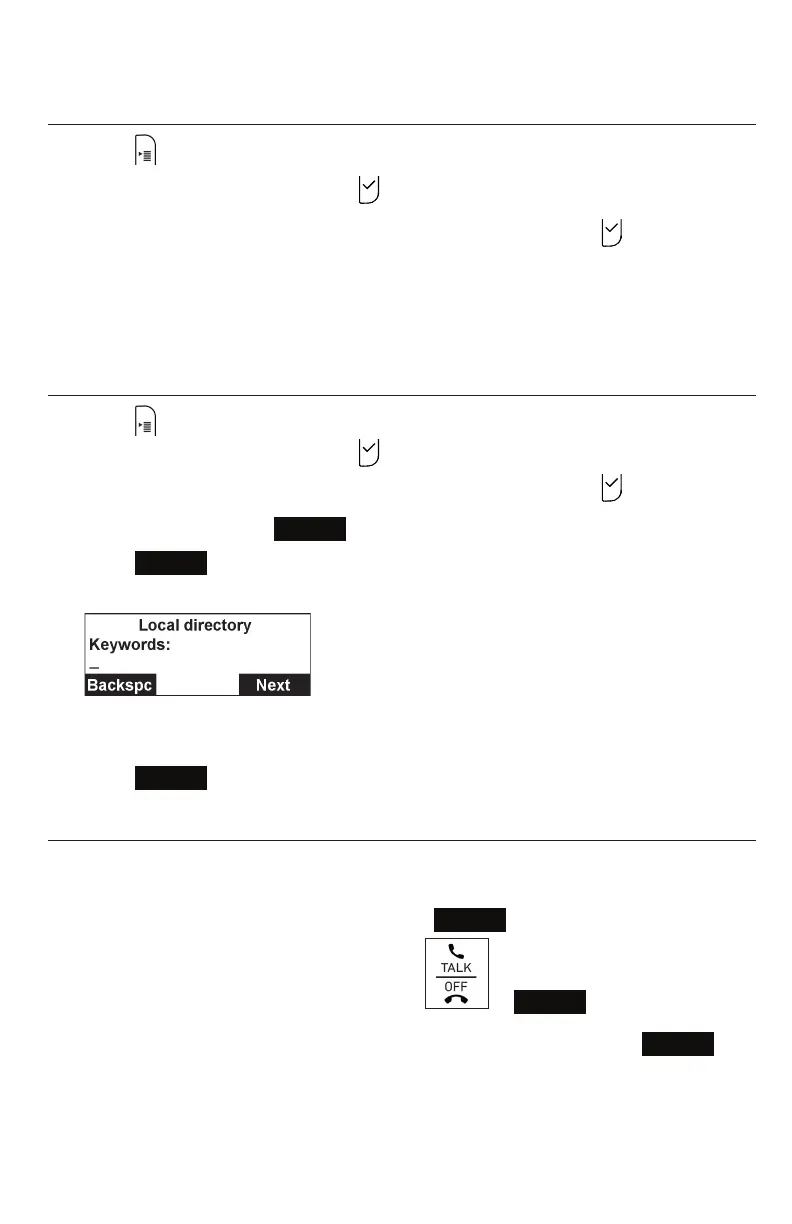
Searching for a directory entry
1. Press .
2. With Directory highlighted, press .
3. Press p or q to select the directory you want, and then press .
4. Press t or u until the
Search
softkey appears.
5. Press
Search
.
The keyword search screen appears.
6. Use the dial pad keys to enter the first few characters of the name to be
searched.
7. Press
Next
.
Dialing a directory entry
1. Search for the desired entry in the directory (see "Reviewing directory entries" on
page 30 or "Searching for a directory entry" on page 30).
2. To view other numbers for the entry, press
Type
.
3. When the desired number appears, press or
Dial
.
Note: If you view a directory entry when the phone is in dial mode, press
Dial
to dial the number. You can use this feature when making a call and setting up a
conference call.



 To Next Page