35
Call History
The Add new screen appears. The phone automatically fills in the name and
number, if available.
4. If necessary, edit the name and number.
• To erase a character/digit, press
Backspc
.
• To move to the next item, press q or
Next
.
5. Press t or u to change the line.
6. To save the directory entry, press
Save
.
Deleting a call history entry
1. Search for the desired call history entry (see "Reviewing call history" on page
33).
2. While viewing the desired entry, press
Delete
.
Deleting all call history entries
1. When the phone is idle, press .
2. Press p or q to highlight Call history, then press .
3. Press p or q to highlight the desired call history folder, then press .
4. Press p or q to highlight Delete all, then press .
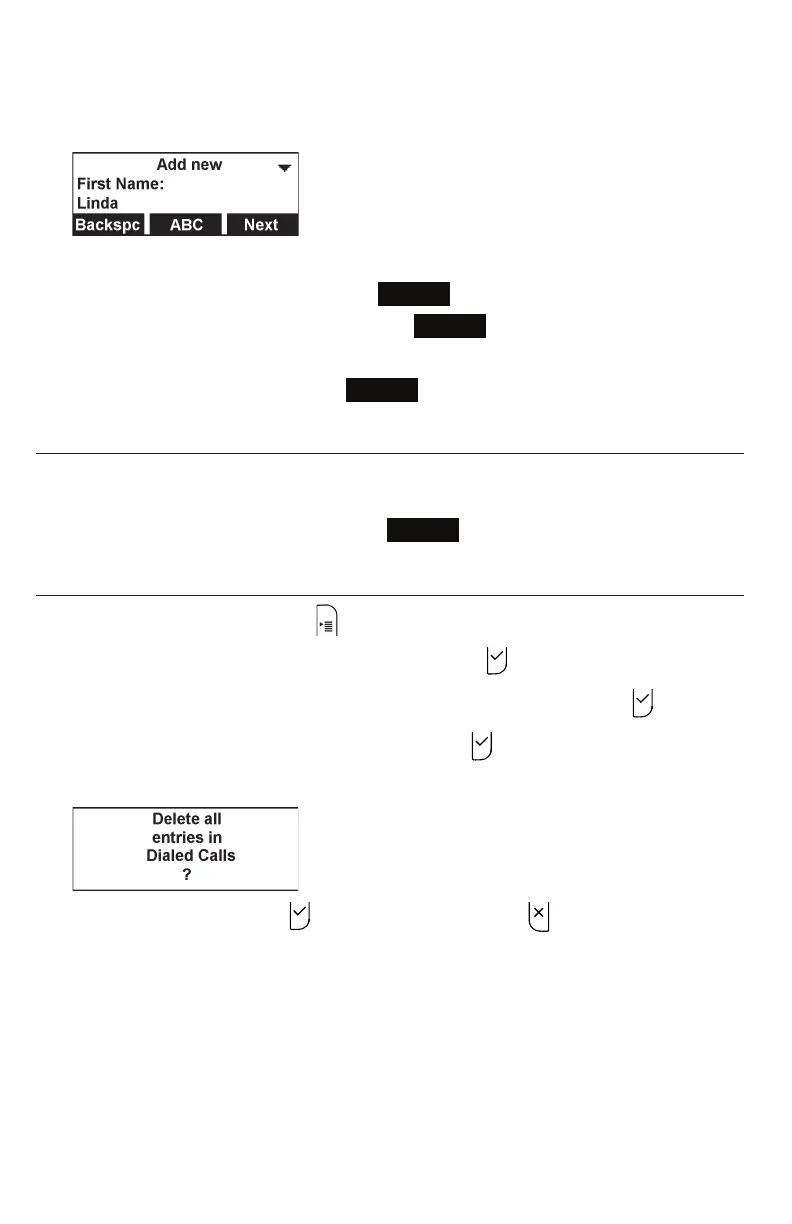
A confirmation screen appears.
5. To confirm deletion, press . To cancel deletion, press .



 To Next Page