1615 16
Making calls
You can make a call at any time by pressing and then entering the number on
the keypad. When the phone is in idle mode or has calls on hold, you can make a call
by entering the phone number on the keypad and then pressing or
Dial
to
call the number.
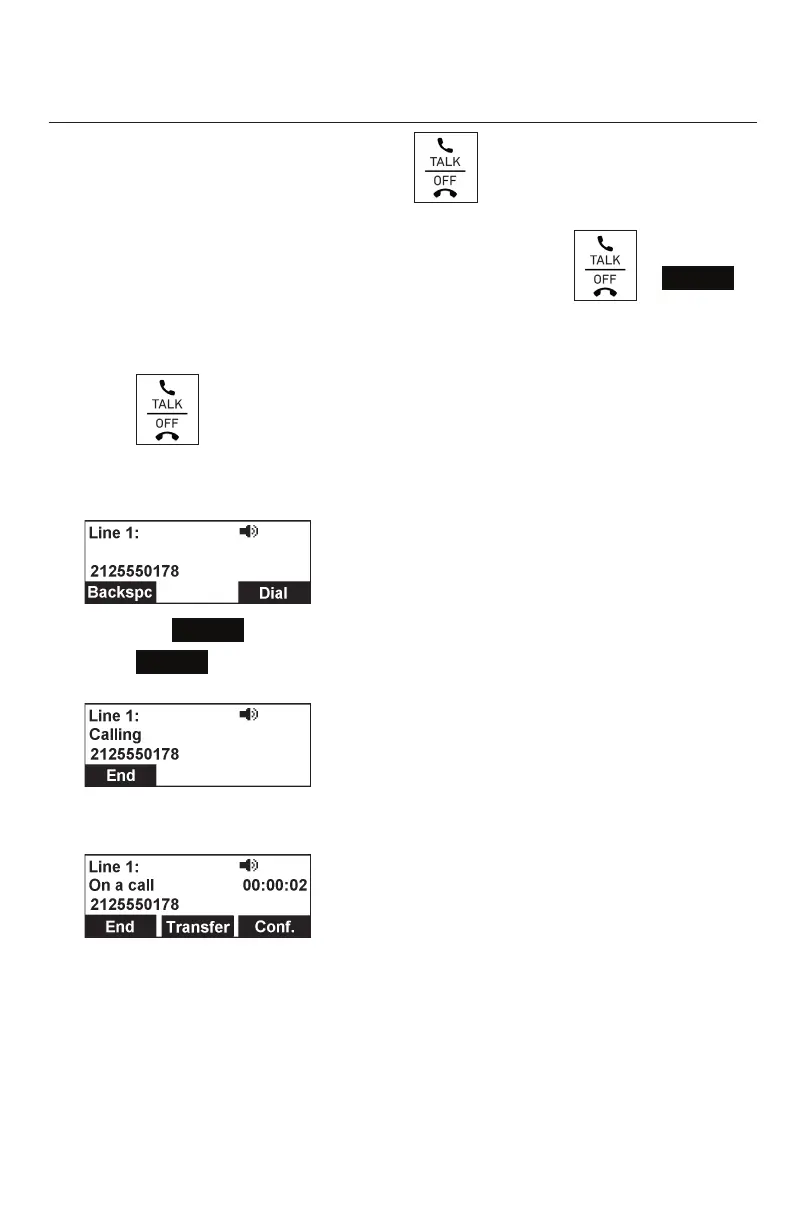
Making a call:
1. Press on the conference phone.
You will hear a dial tone.
2. Enter the phone number on the keypad.
• Press
Backspc
to delete an incorrect digit.
3. Press
Dial
or, if the number is valid, the phone dials the number after a short
delay.
When the call is answered, the active call screen appears. The screen displays
the elapsed time as you talk (in hours, minutes, and seconds).
Note that the default active call screen soft keys are shown above. Your phone’s
soft keys are programmable and may differ from what is shown here.
Conference phone operation



 To Next Page